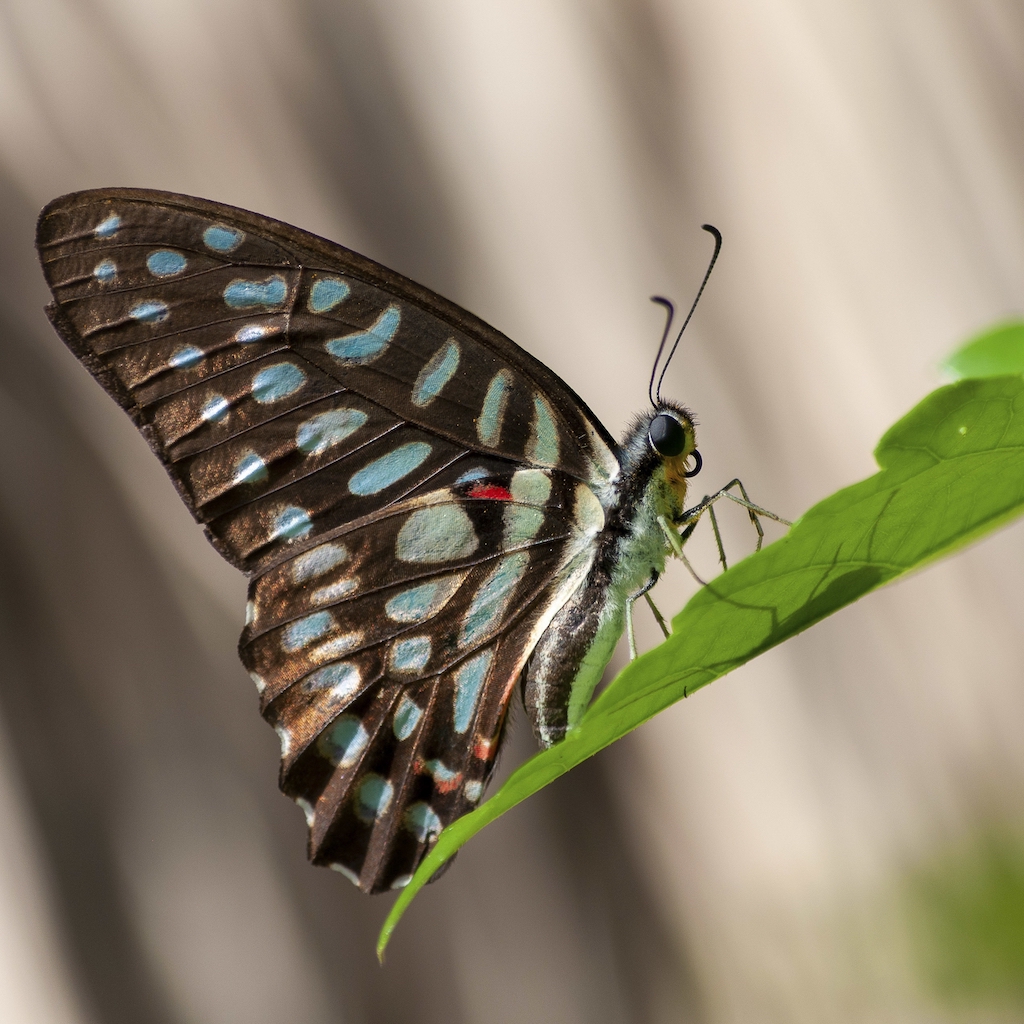
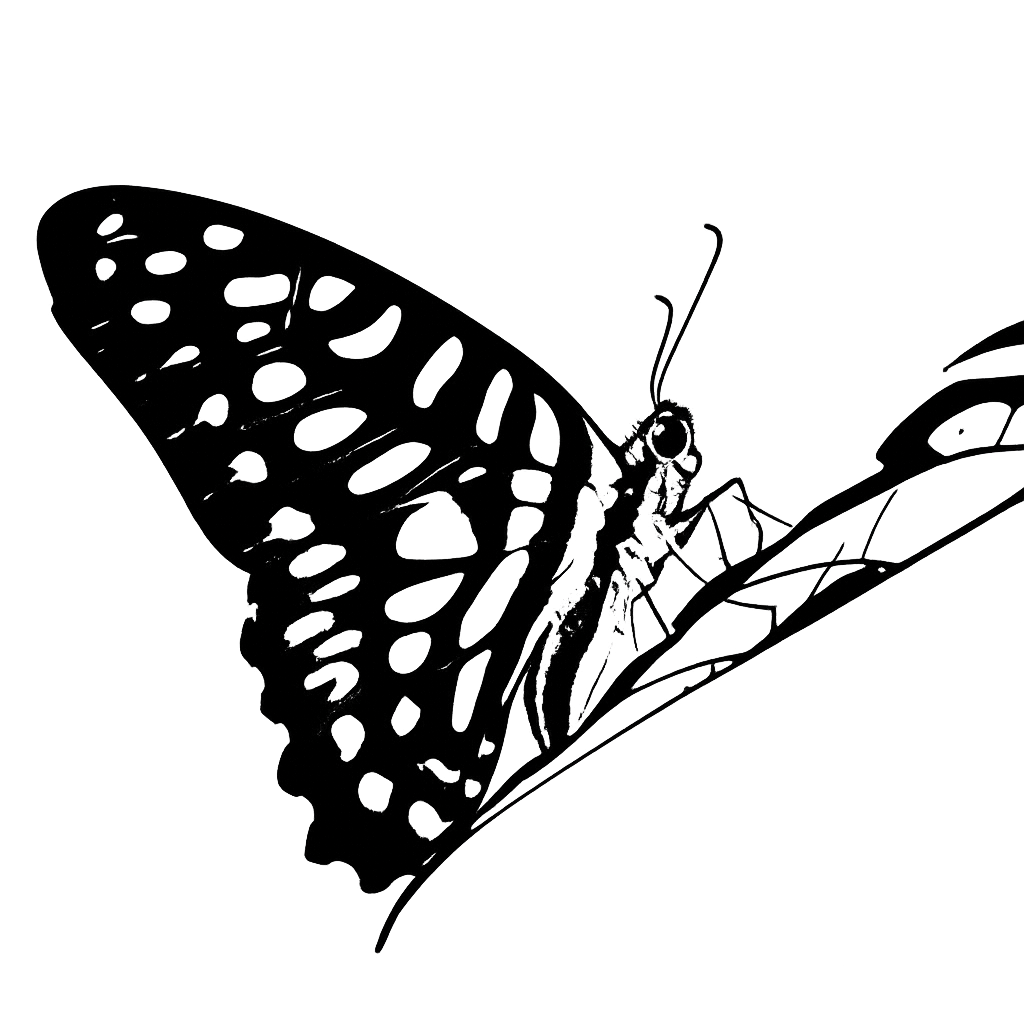
Choose the right AI tool to turn photos into clean line drawings, outline art, printable stencils, coloring pages, minimalist line art, and continuous one-line drawings.
1:1 Square
Best for Instagram and universal social posts.
AI-native output
Generated Preview
Main Tool
Use any card as a style preset for the generator above, or open its detail page when you need examples and deeper guidance.
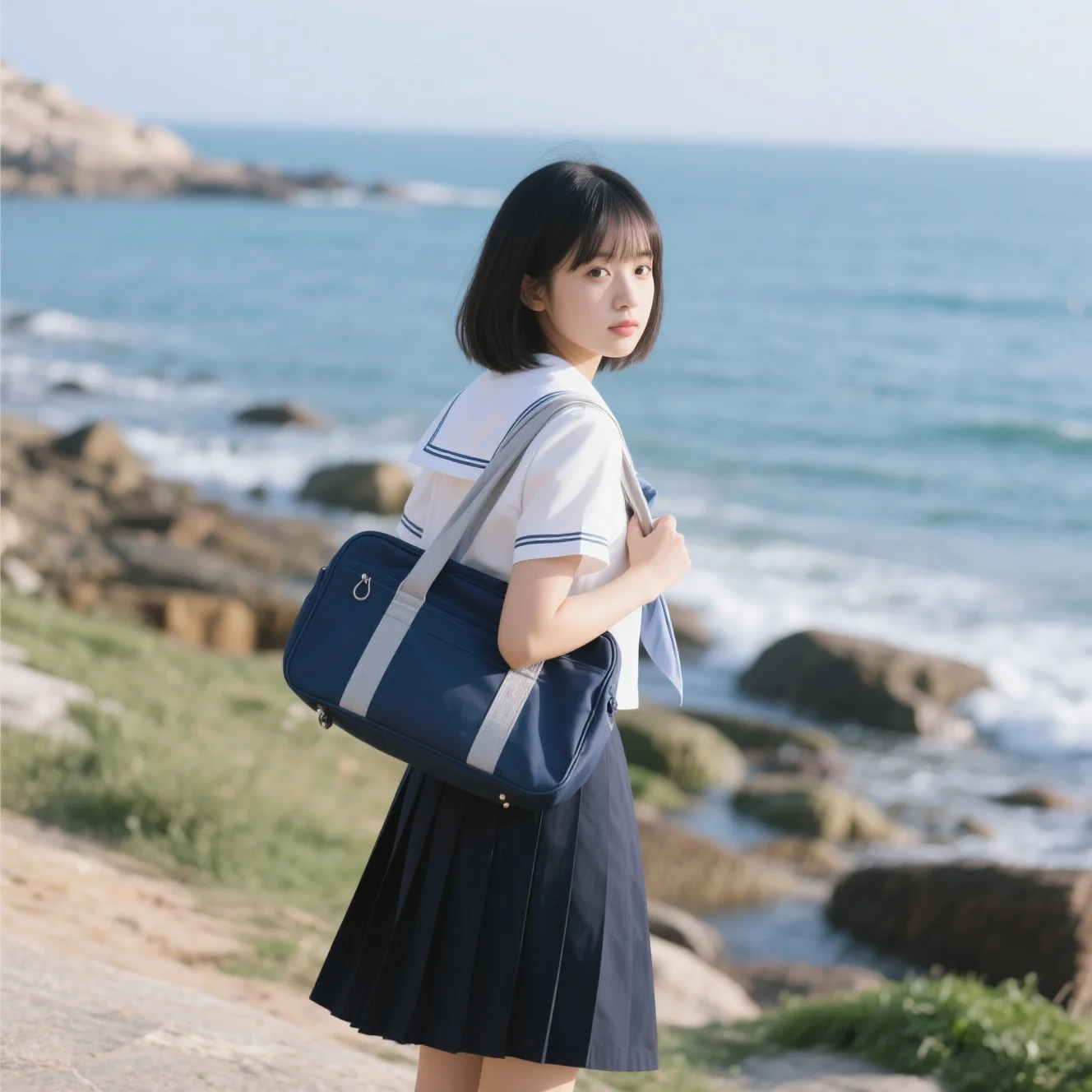
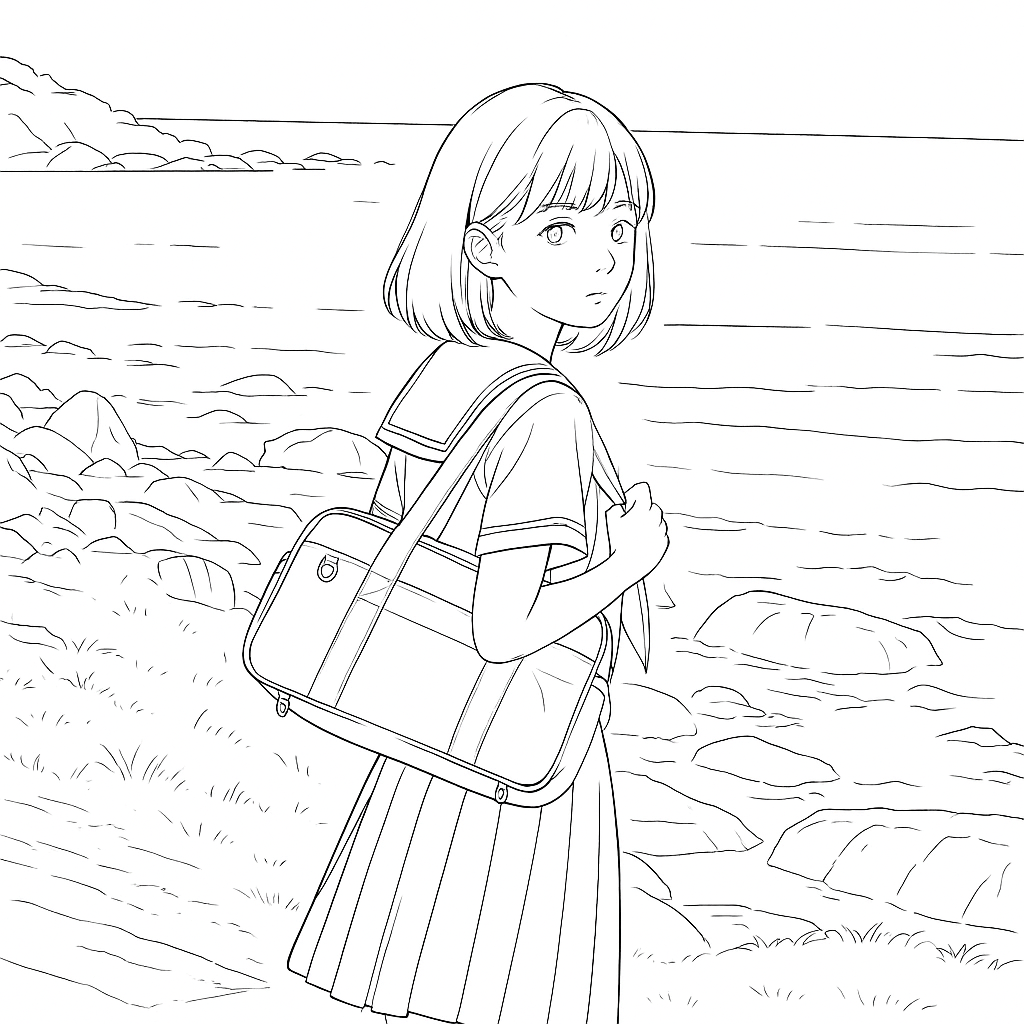
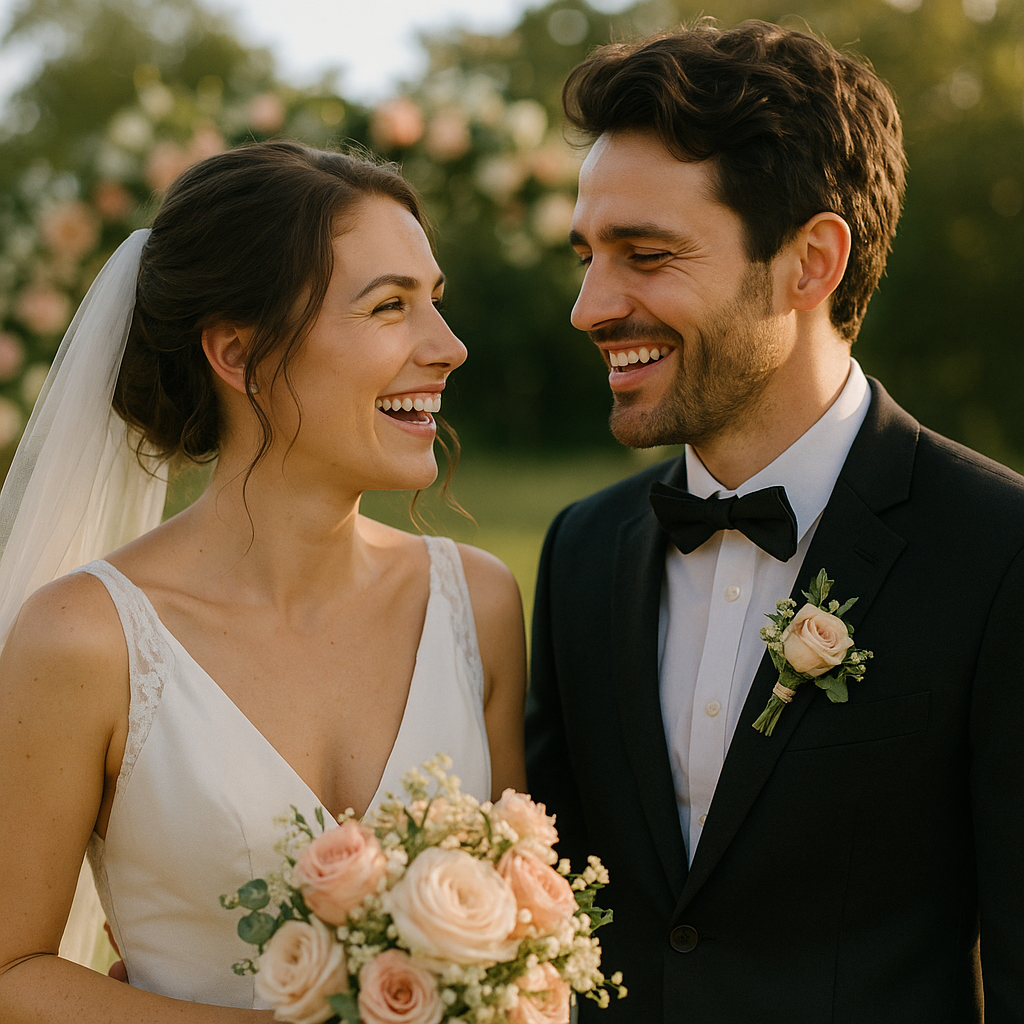
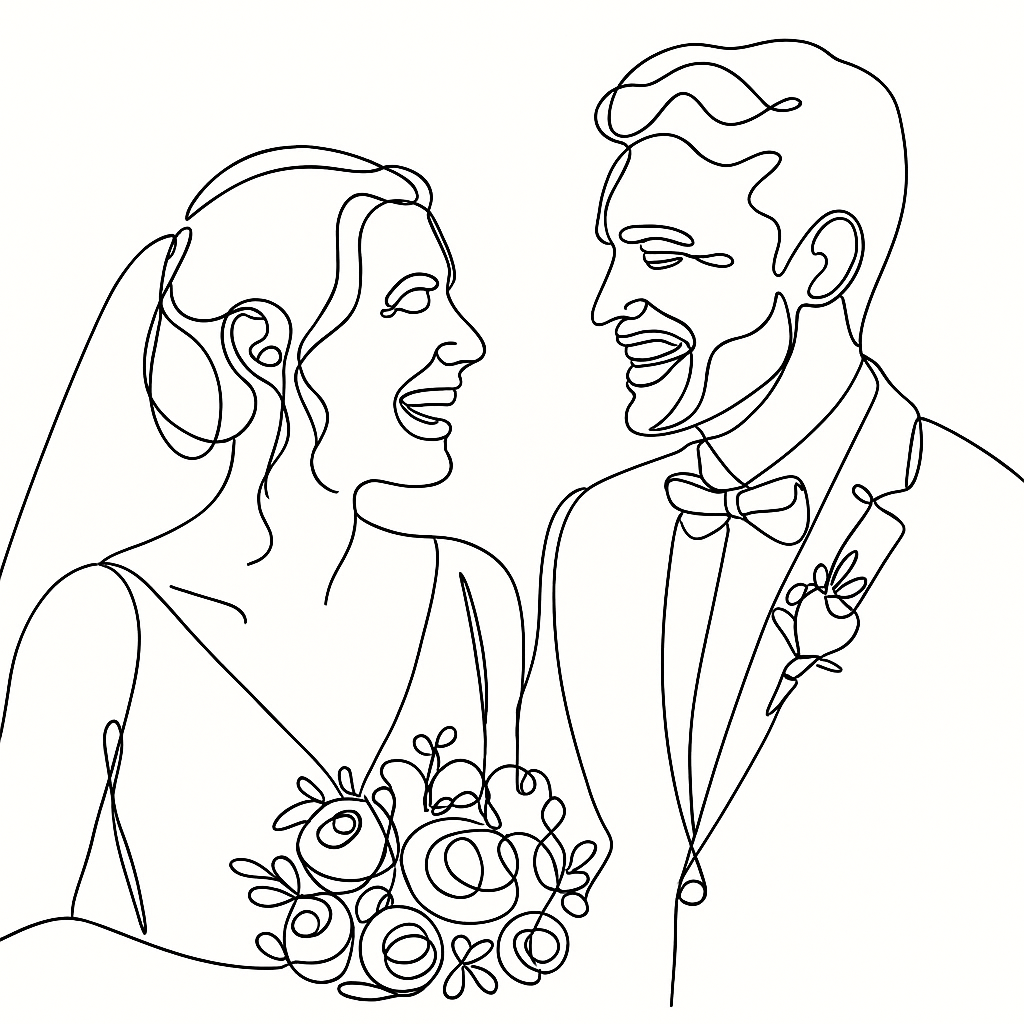
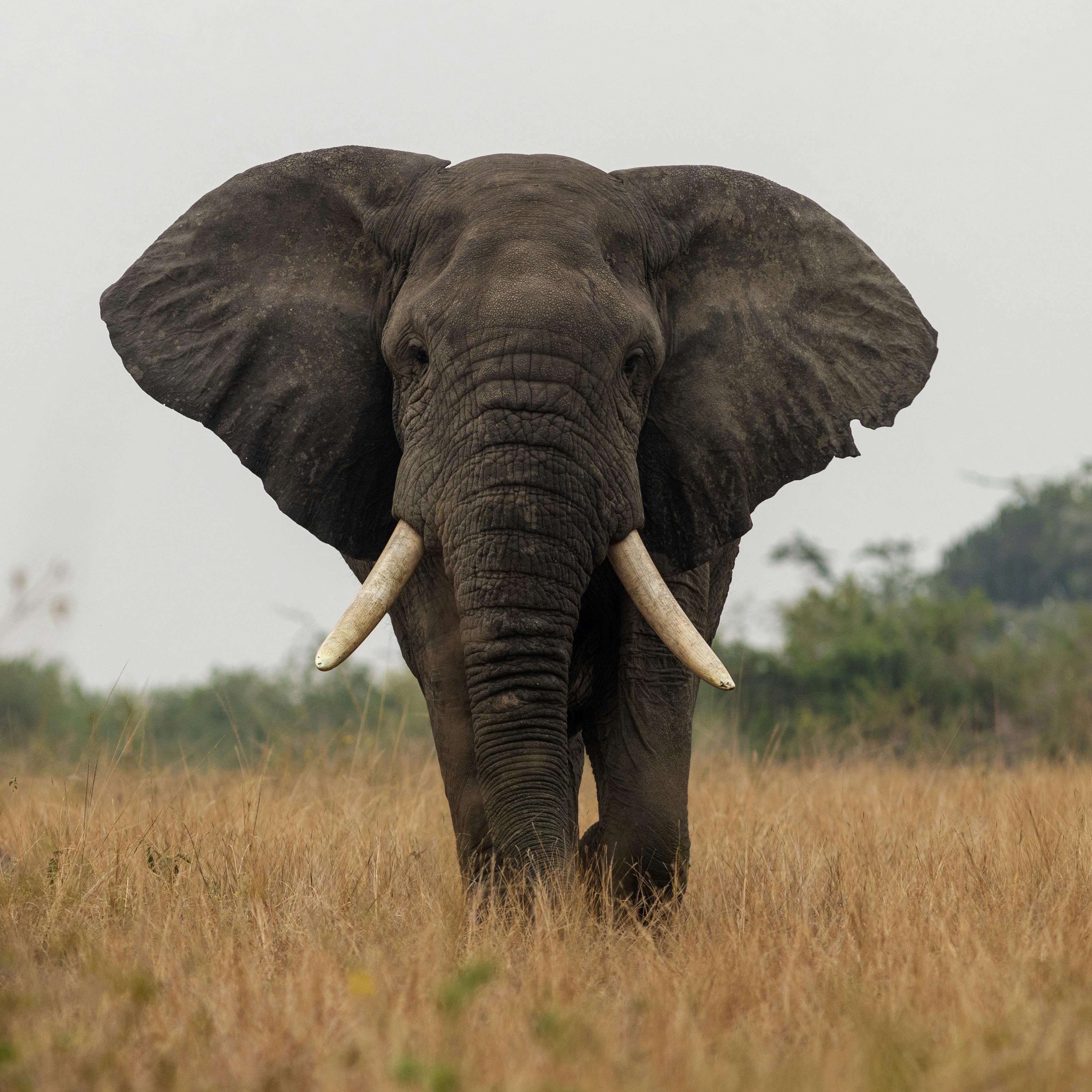
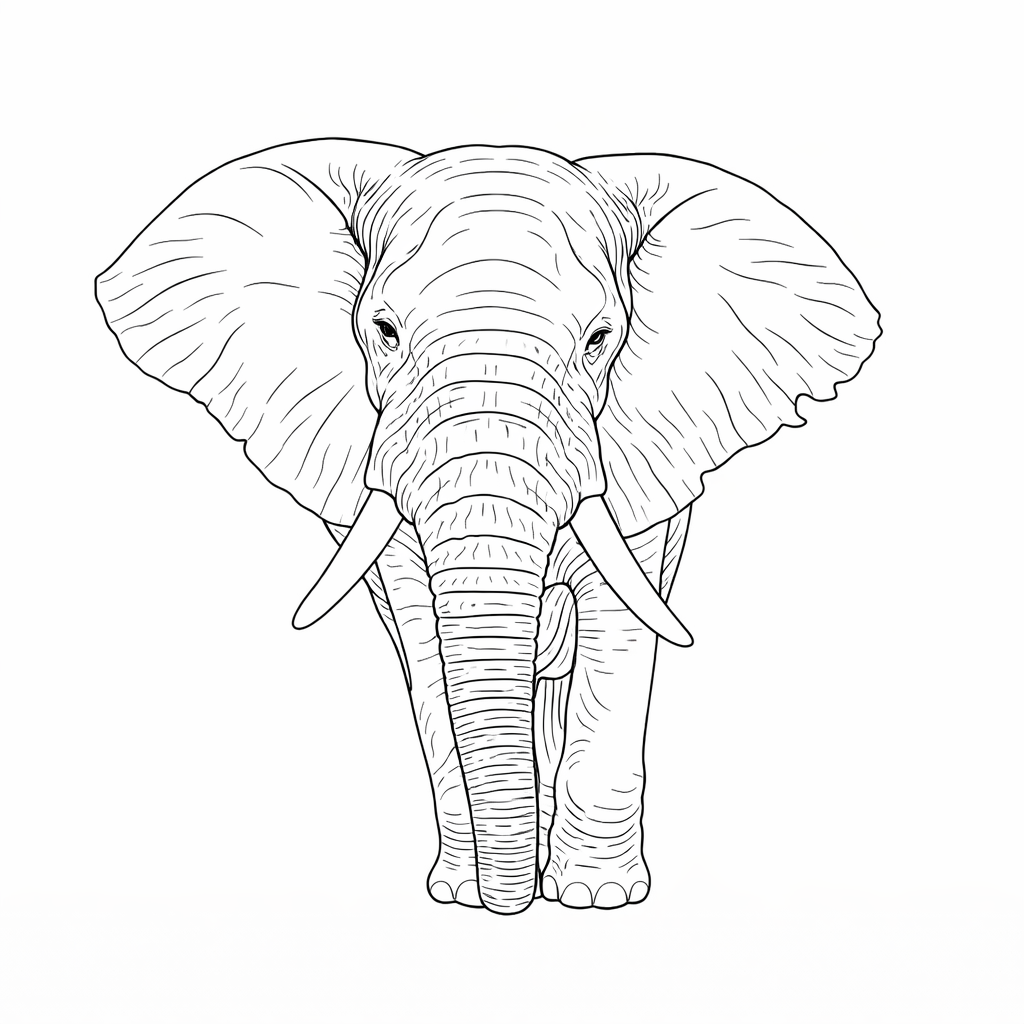
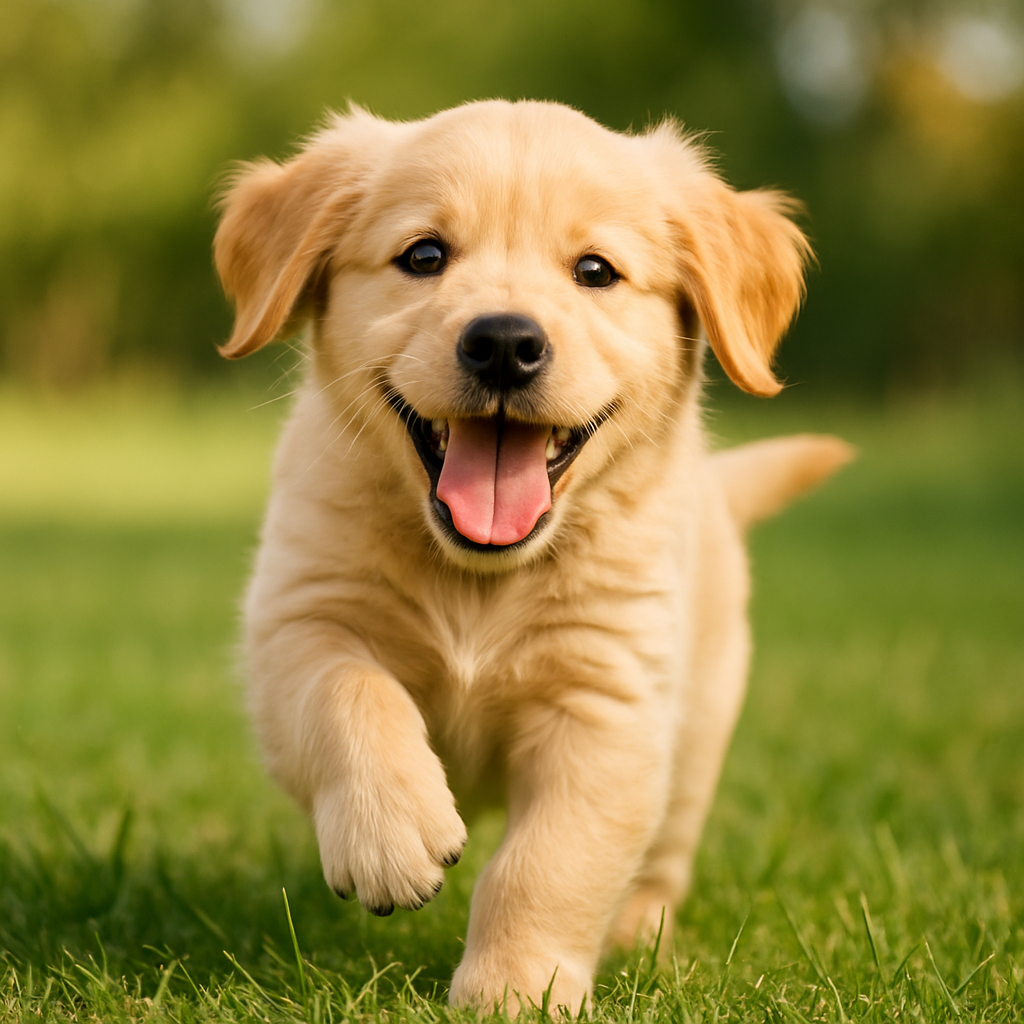
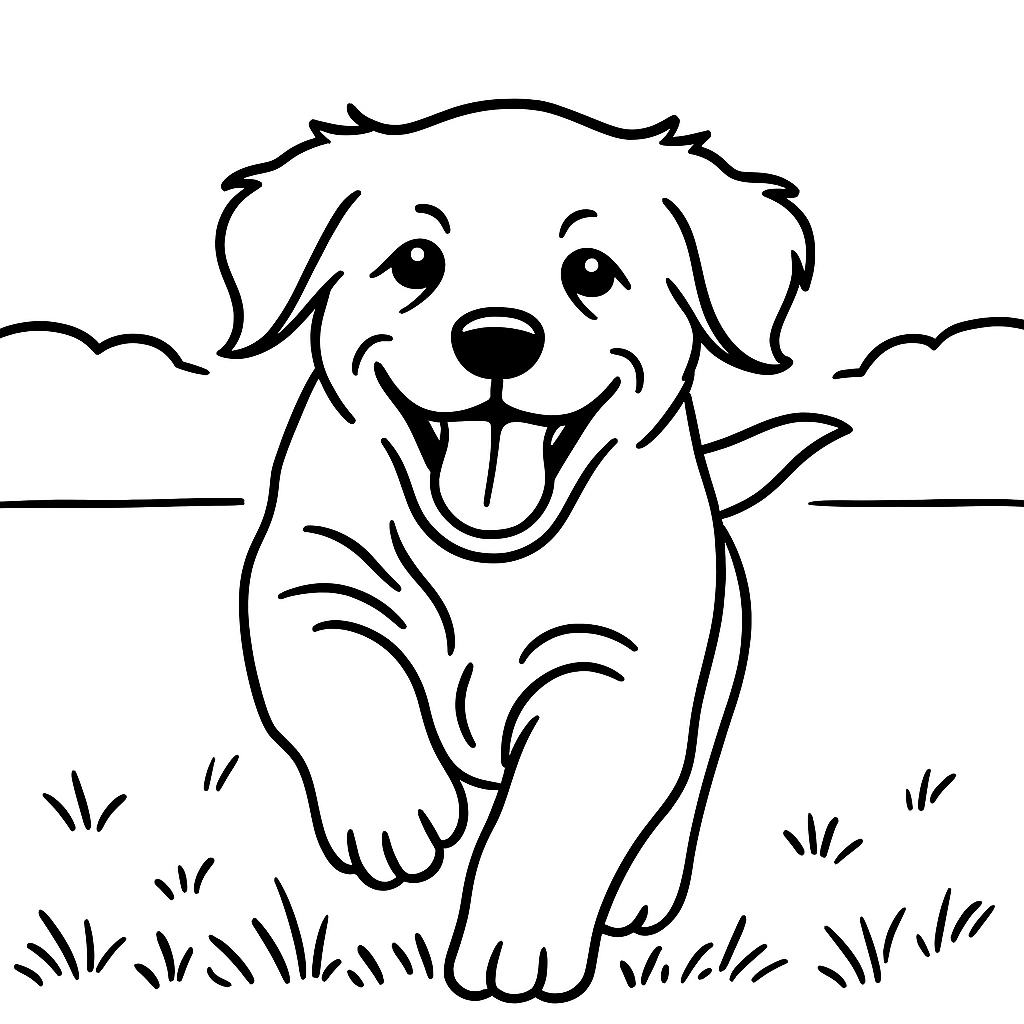

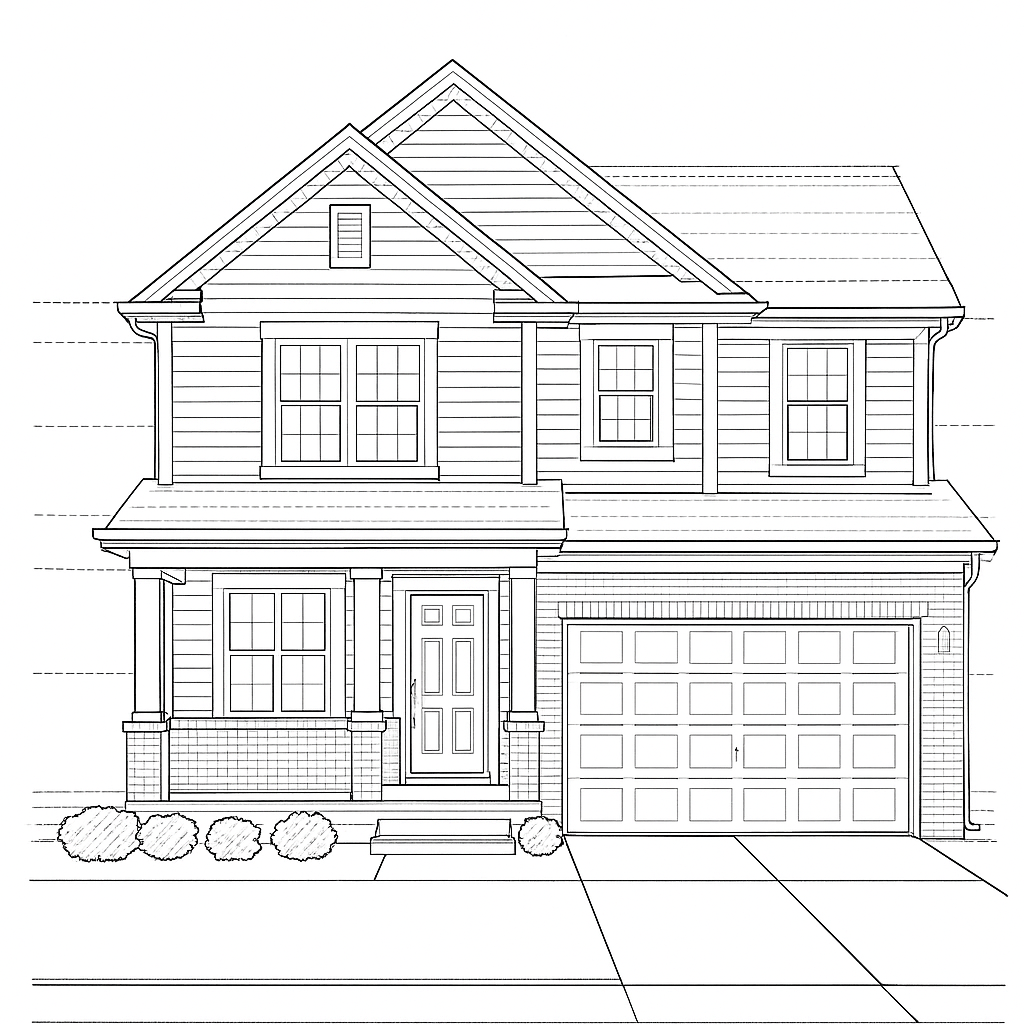
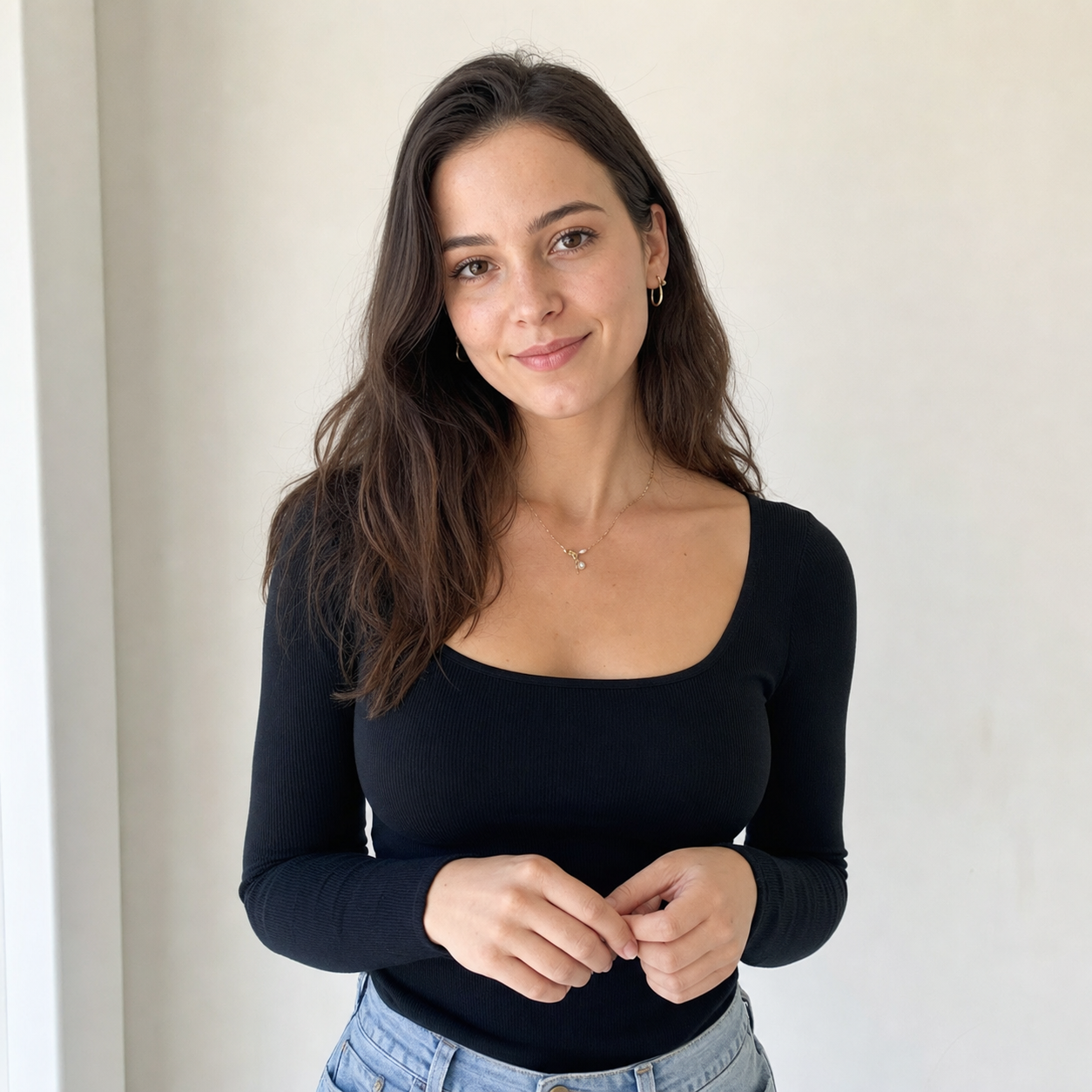
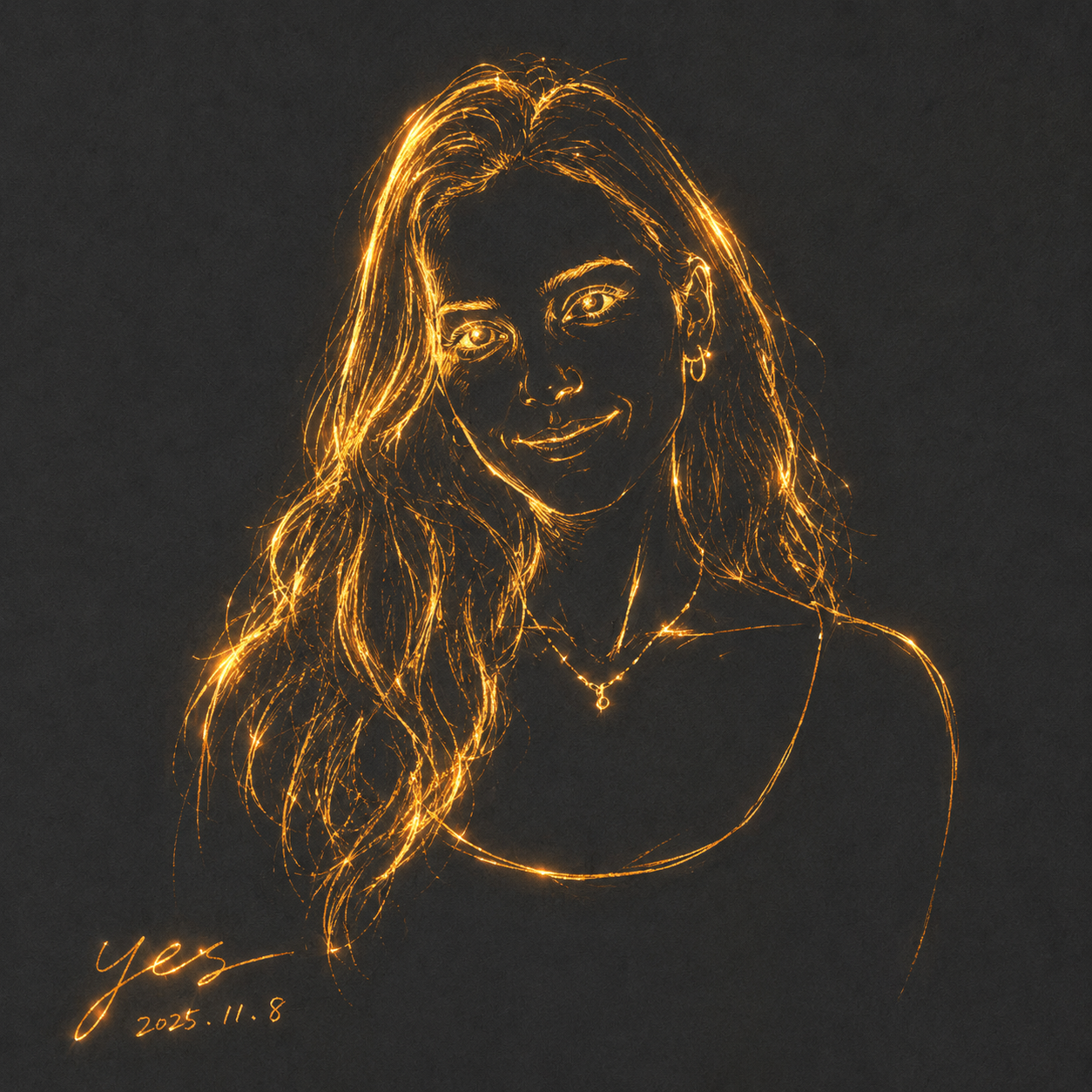
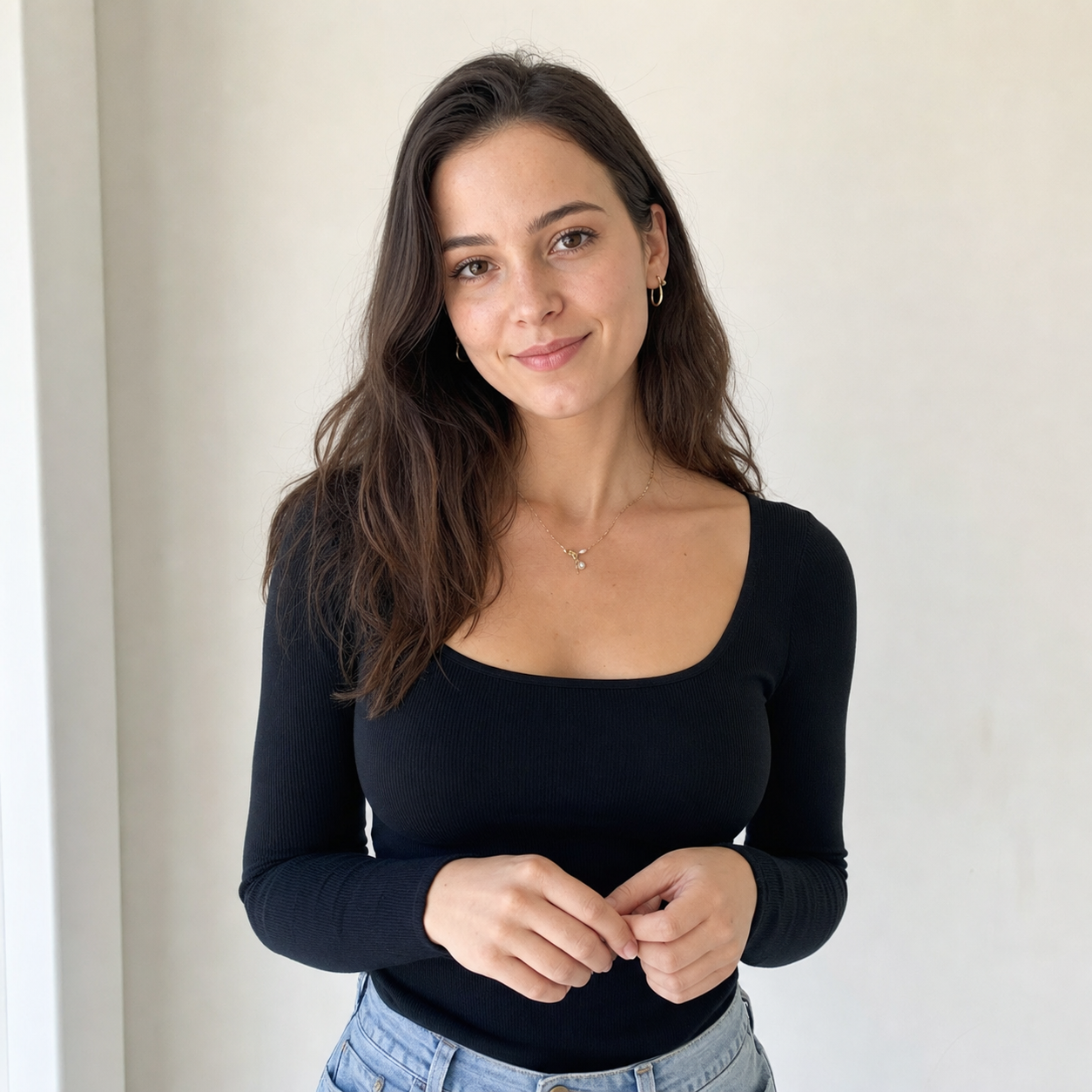
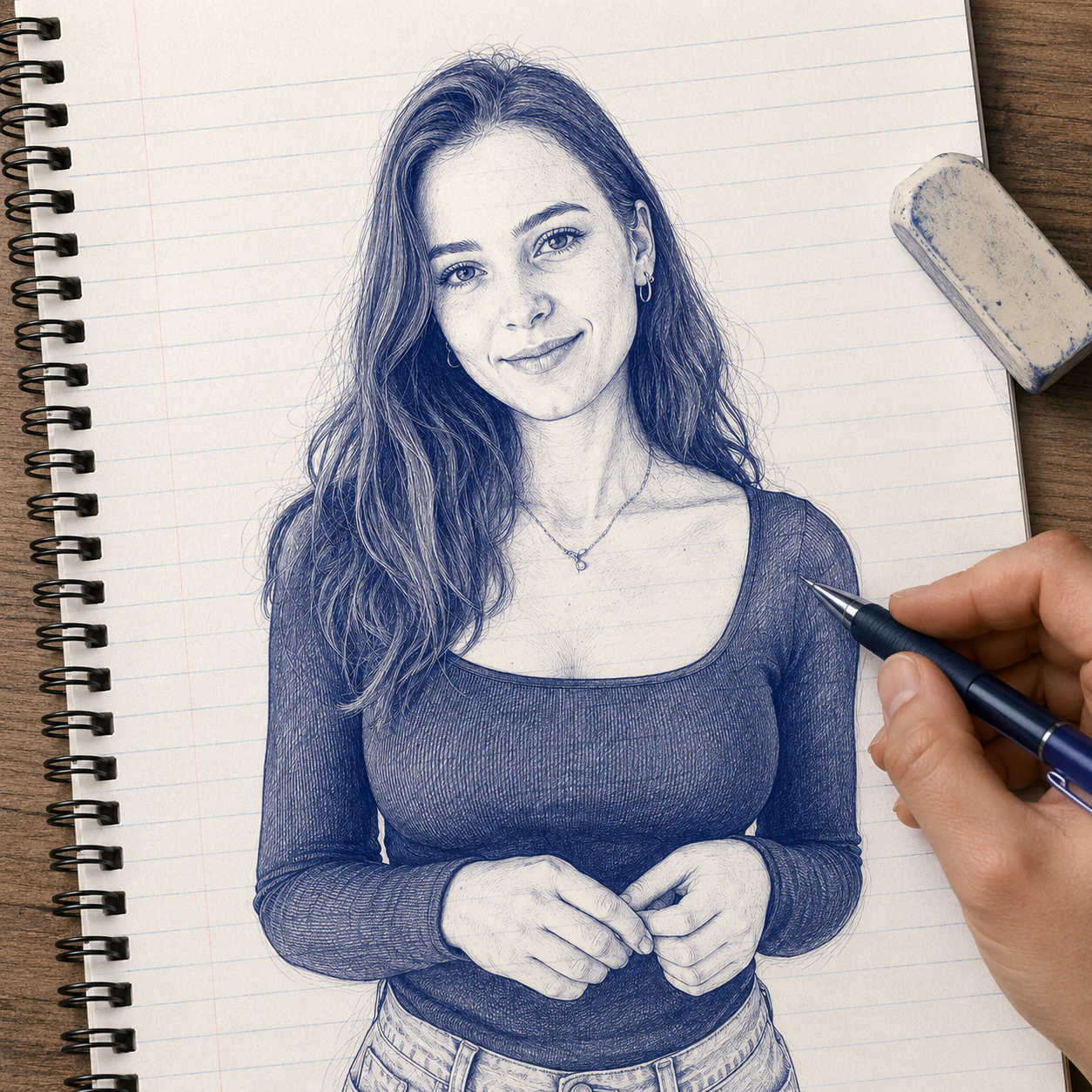
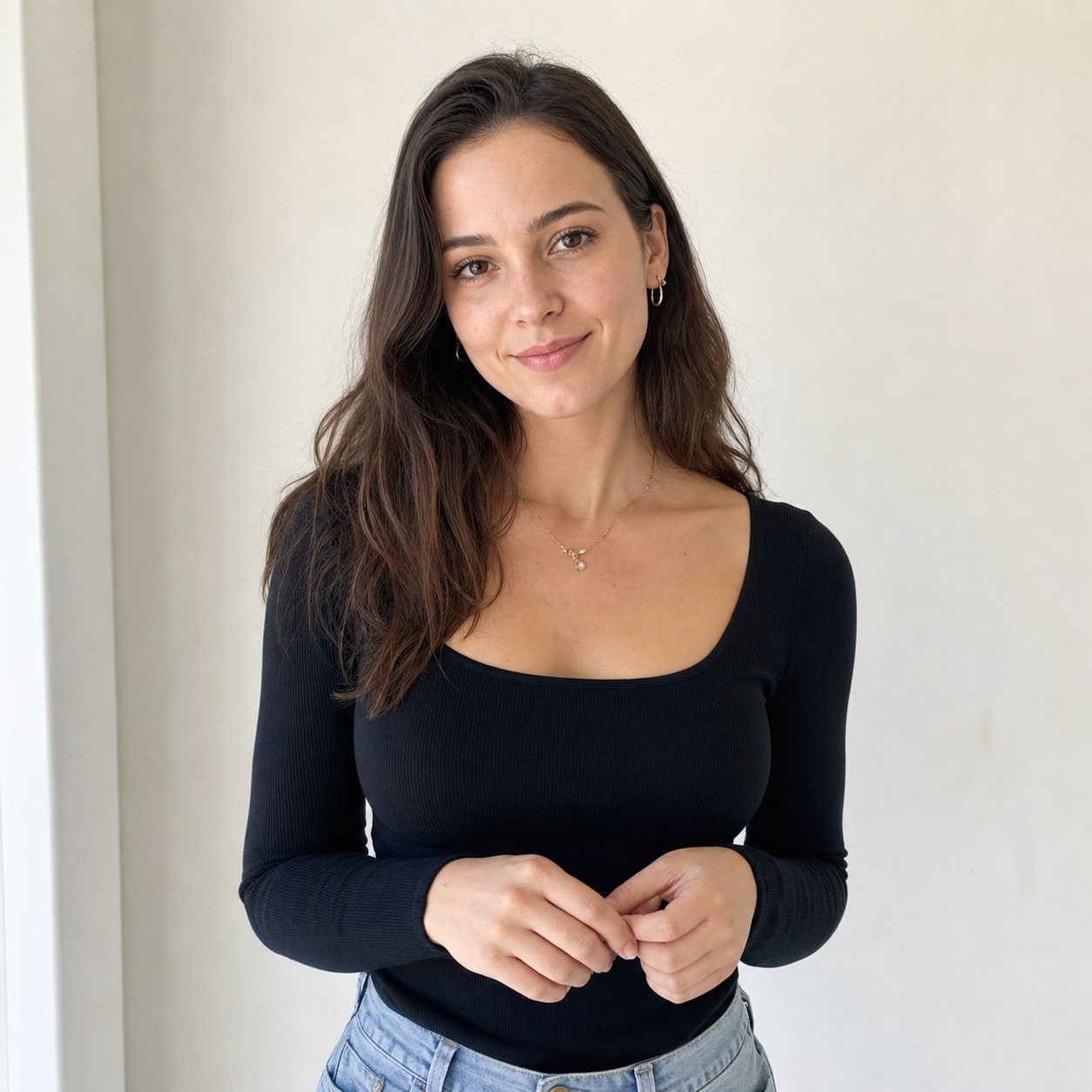
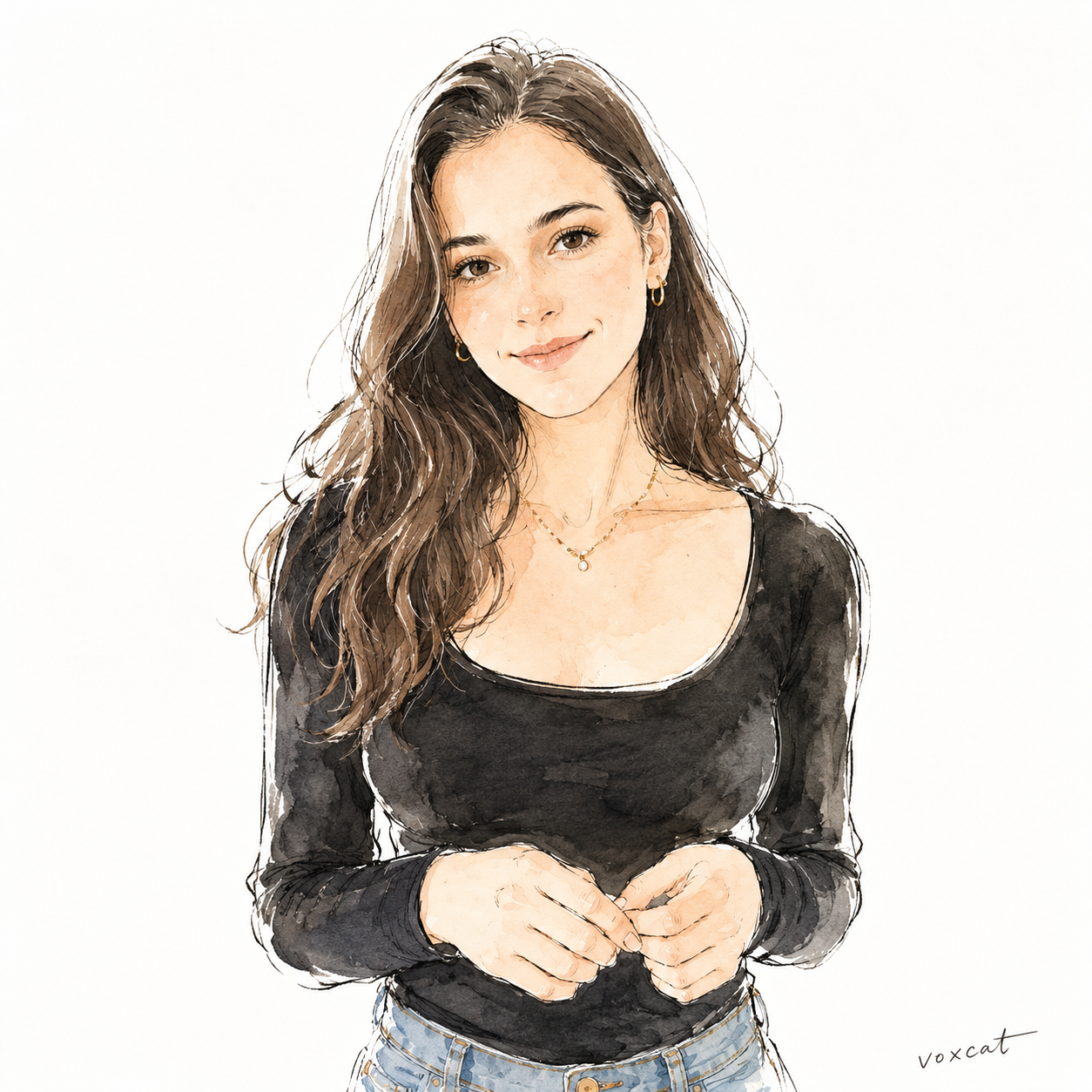
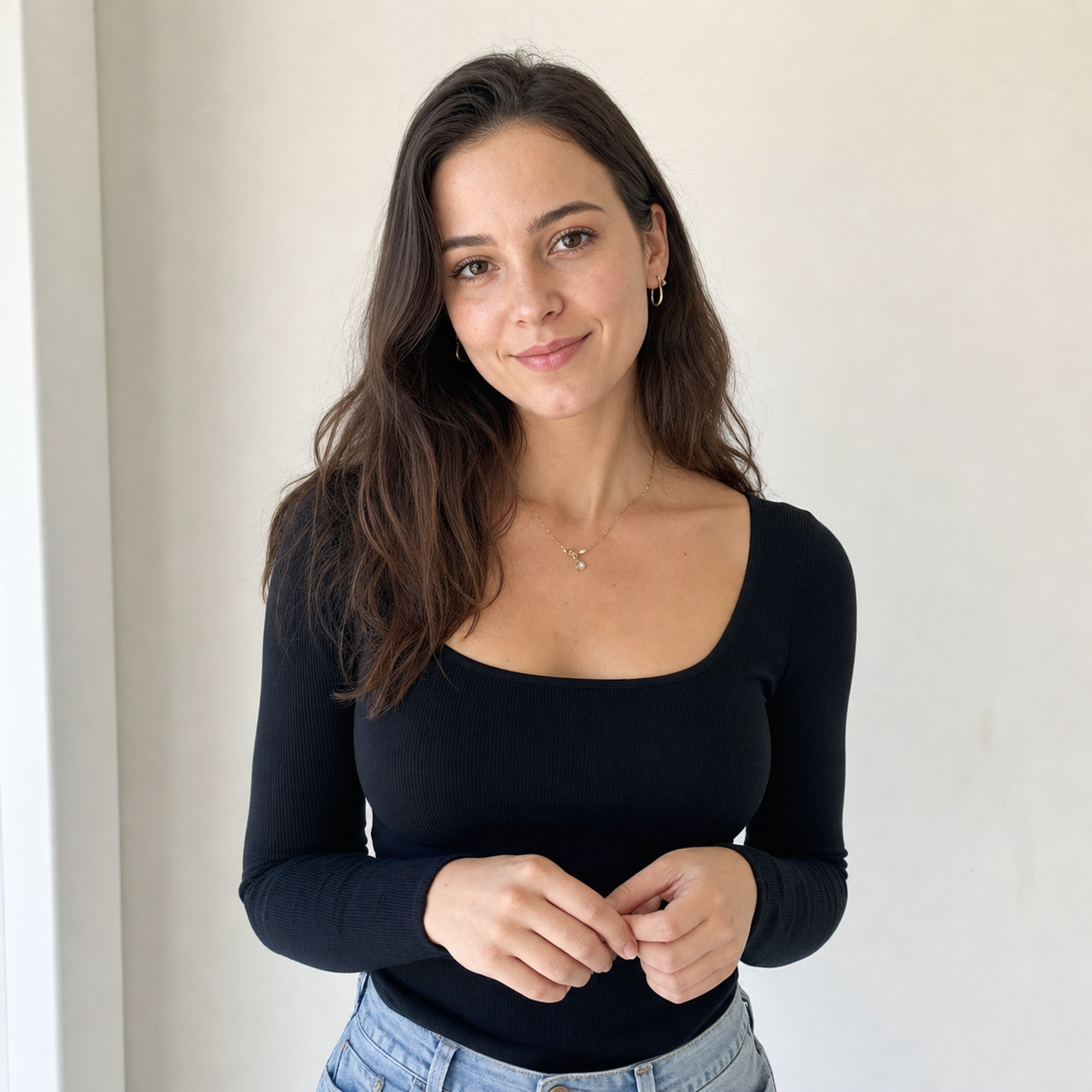
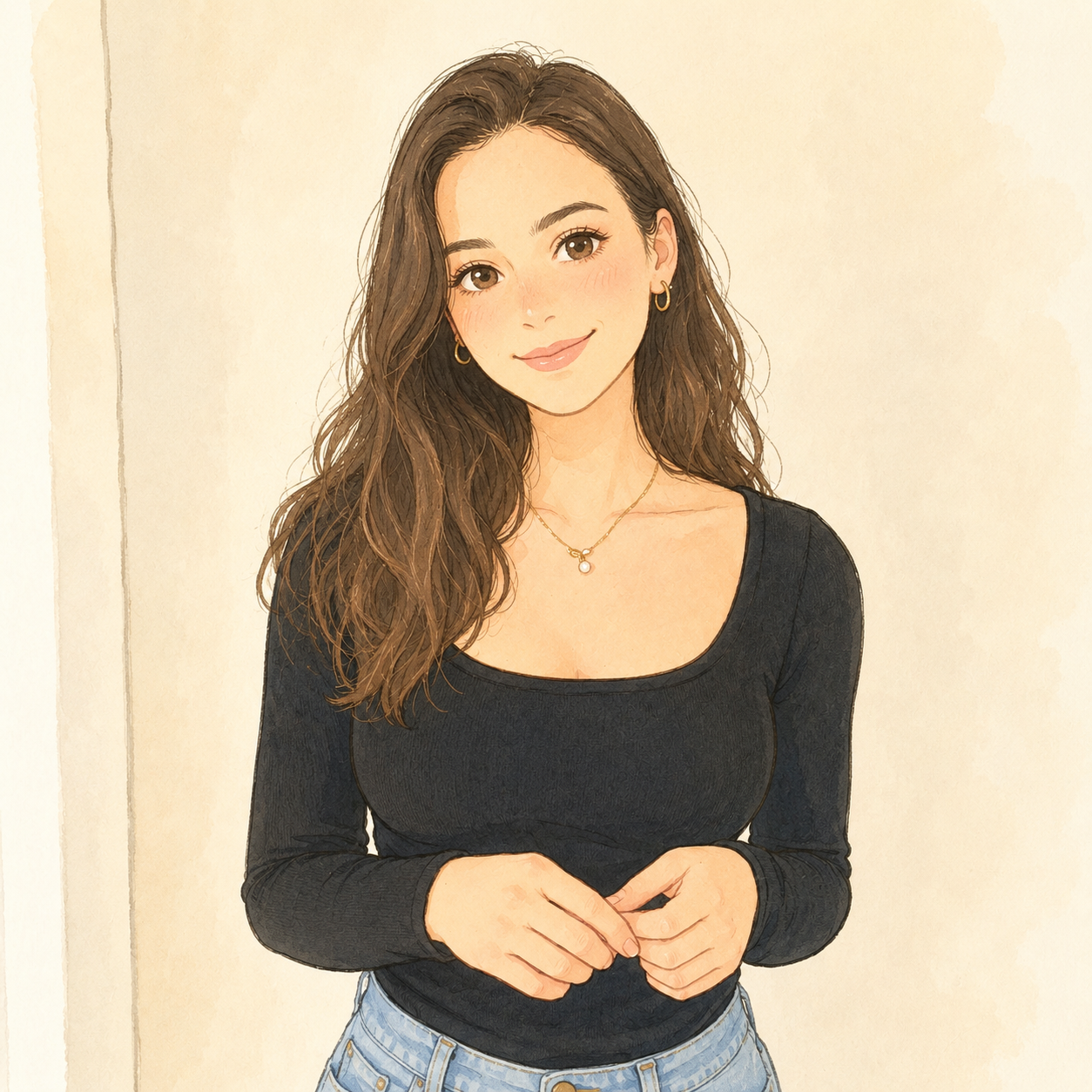
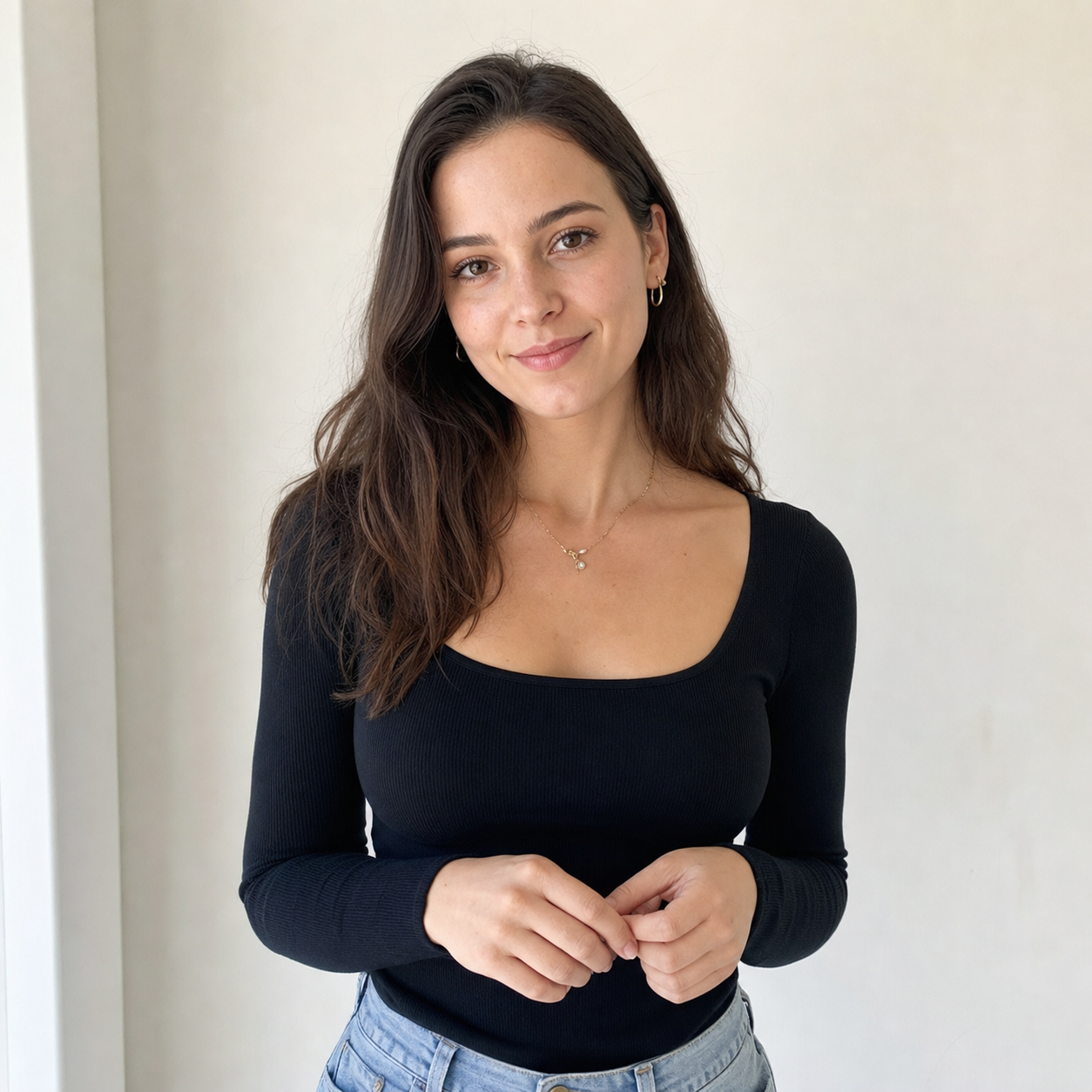
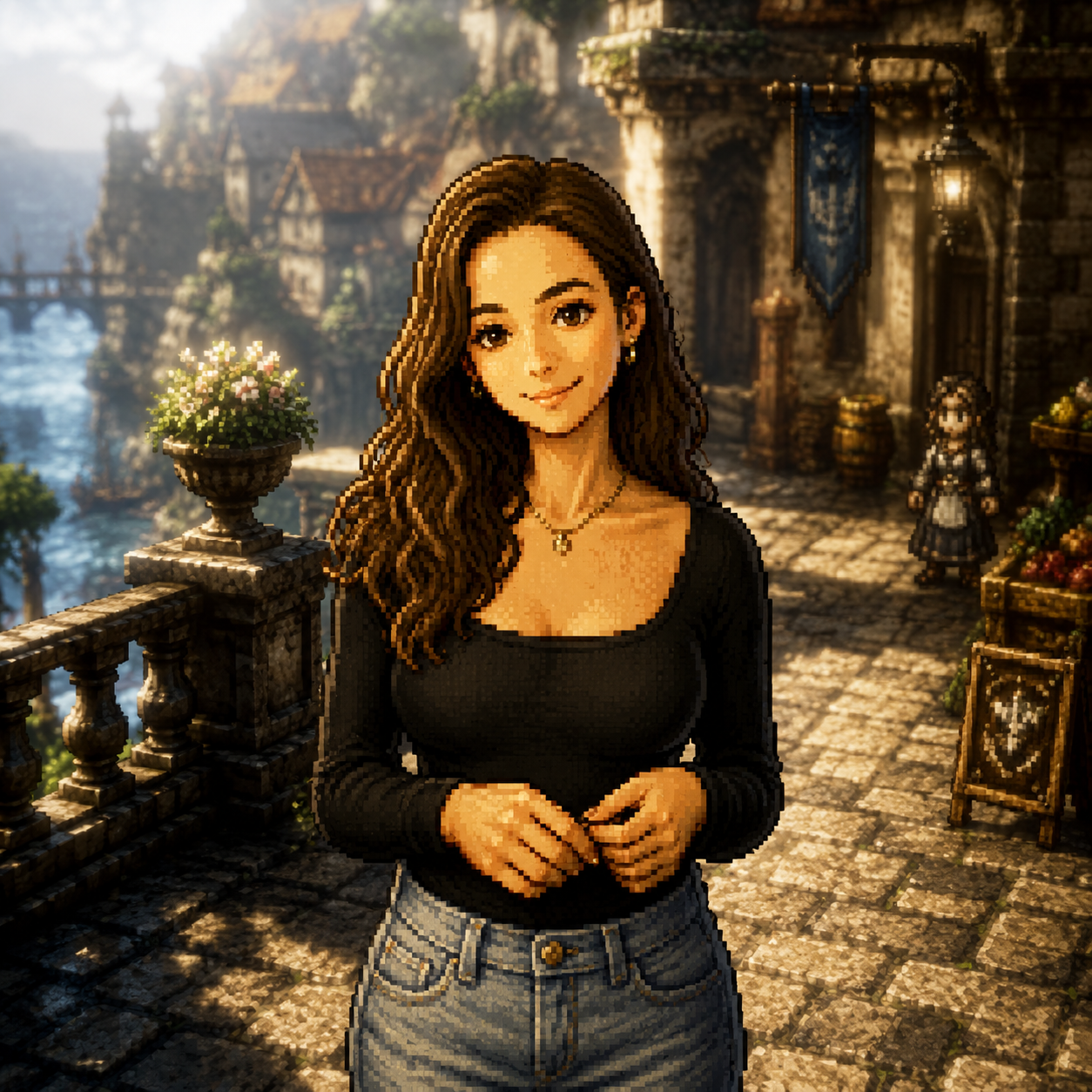



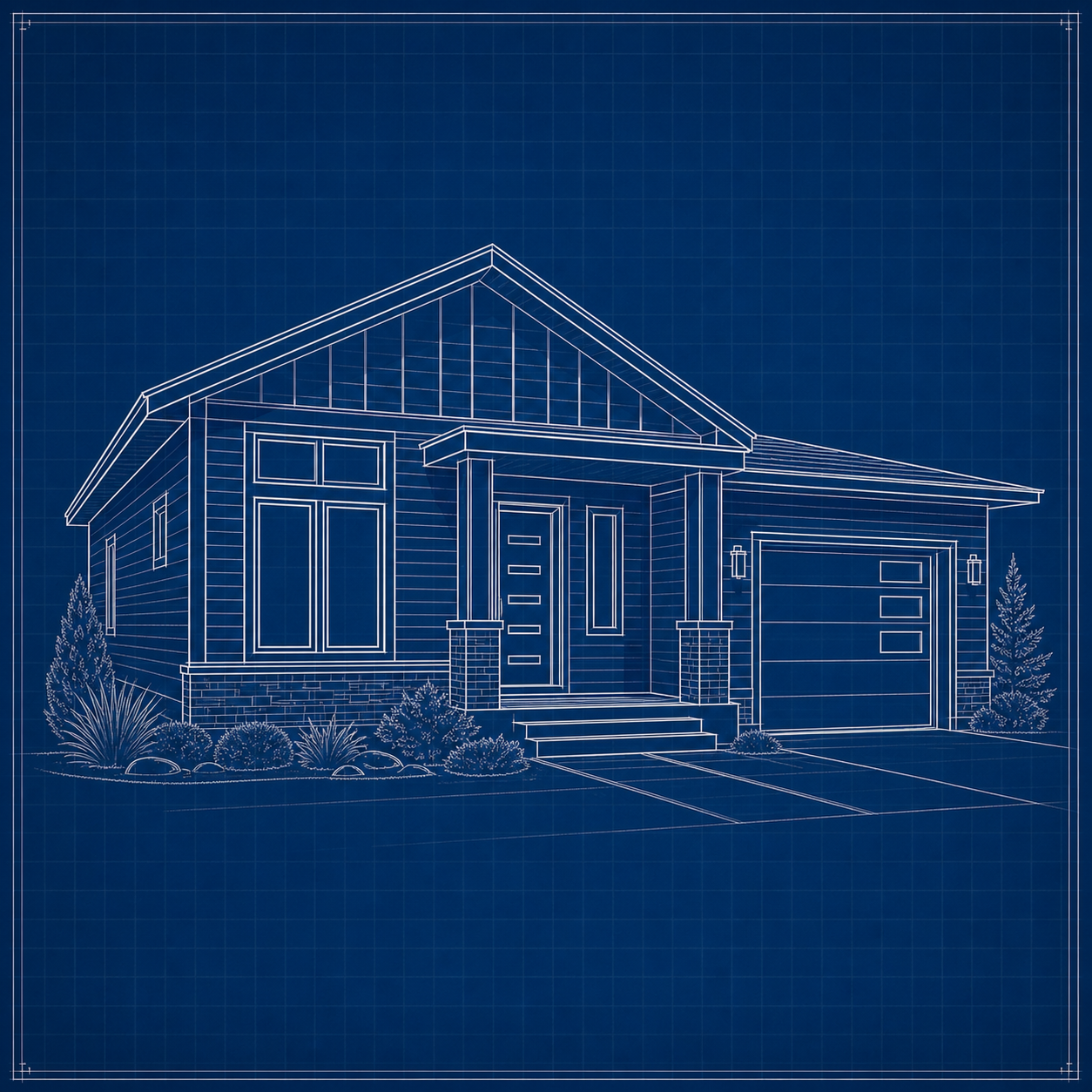
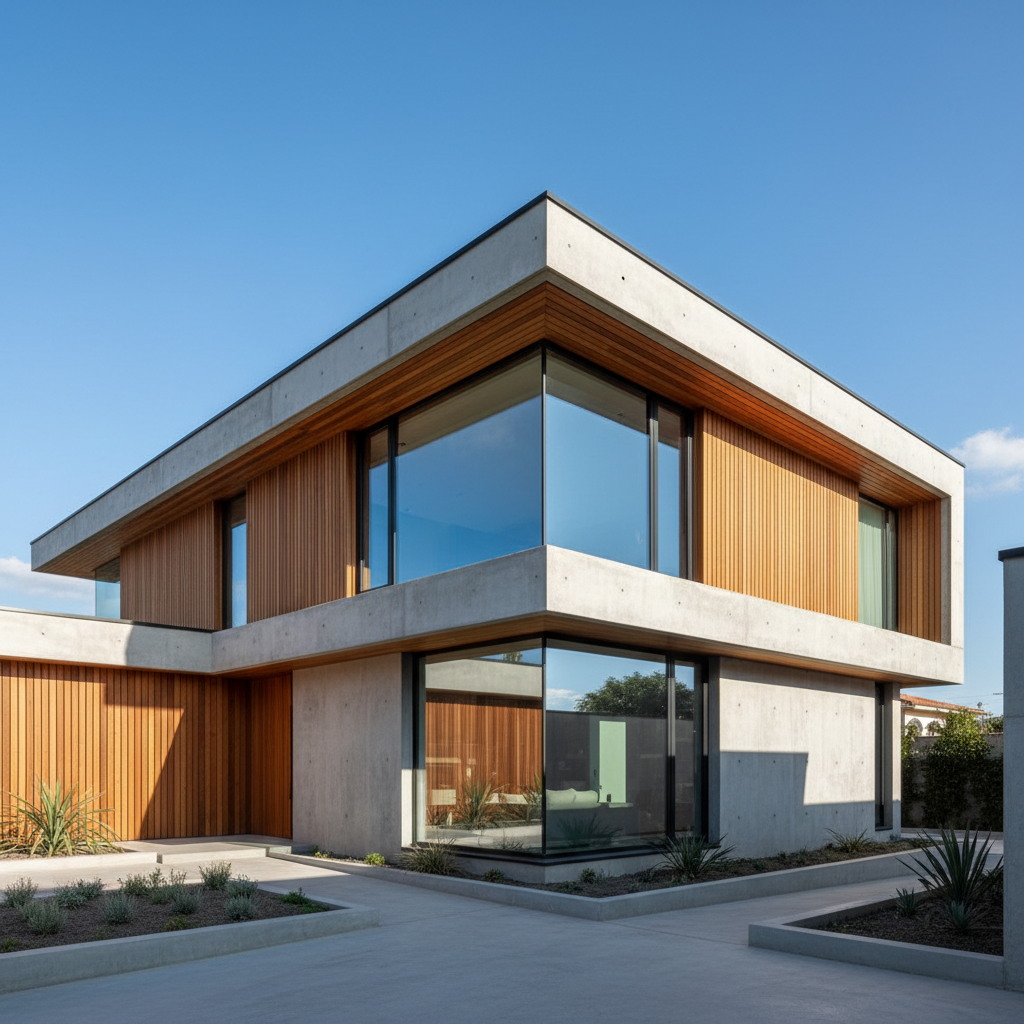
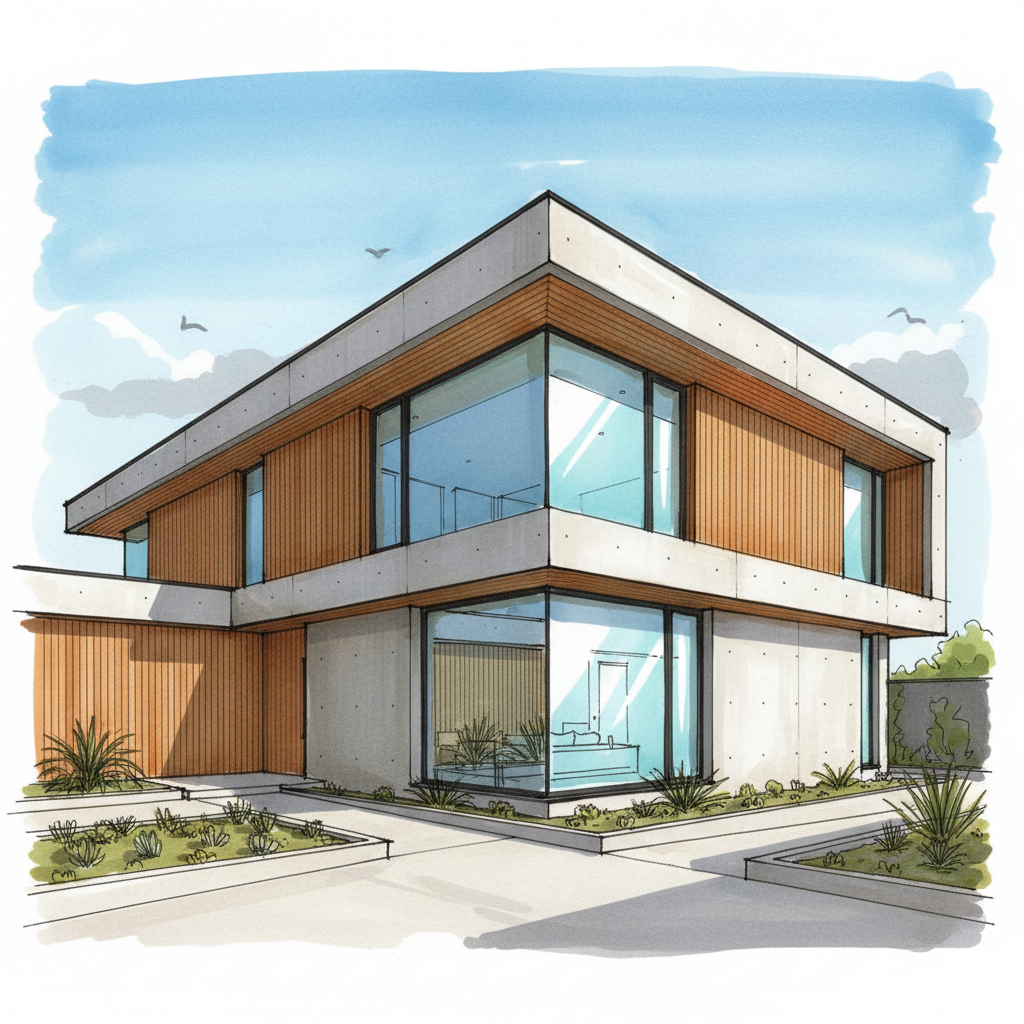
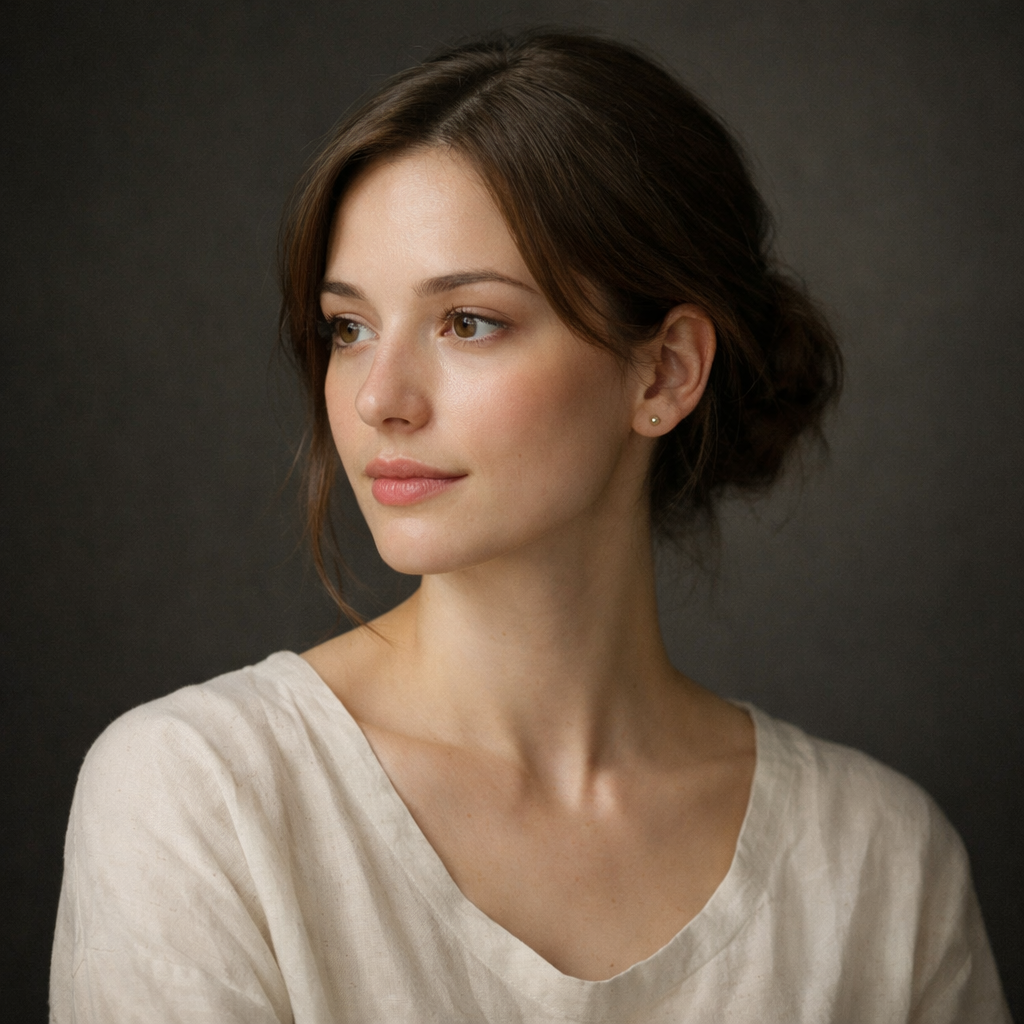
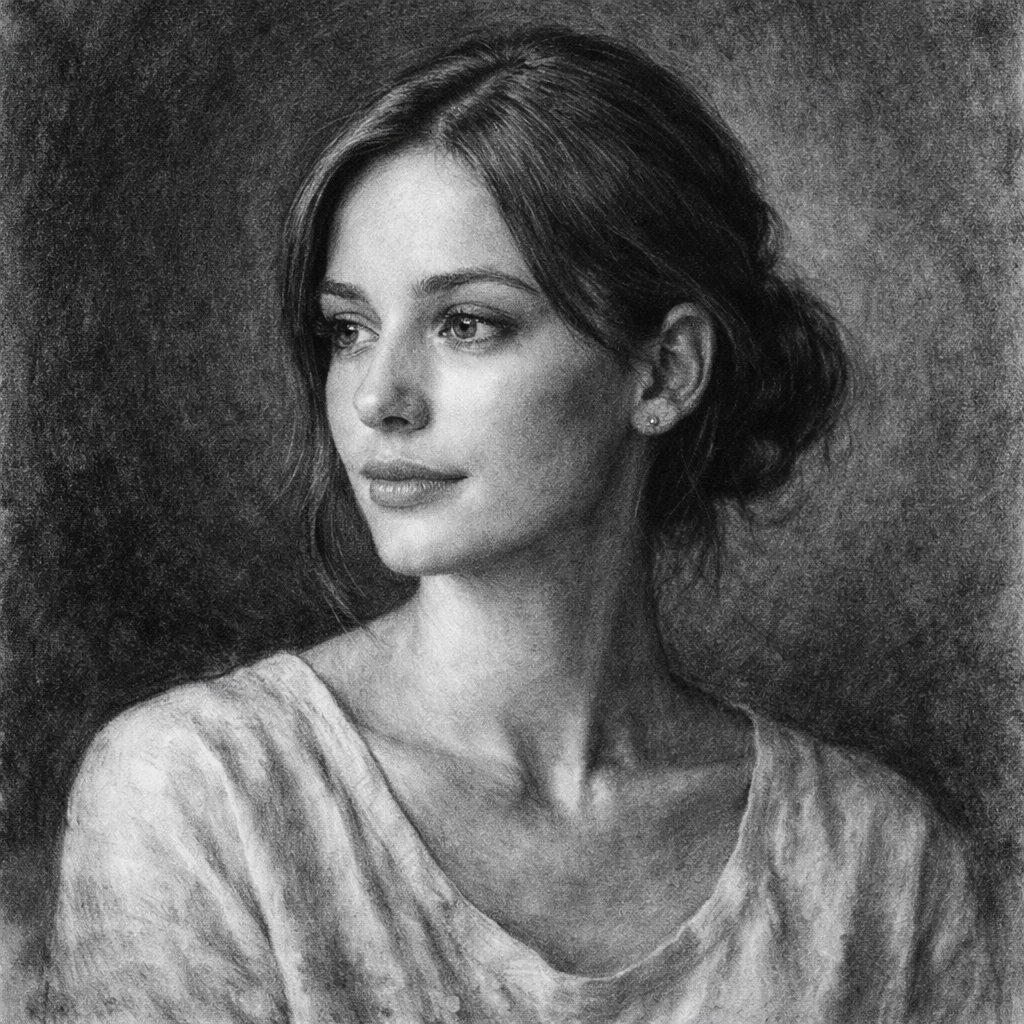
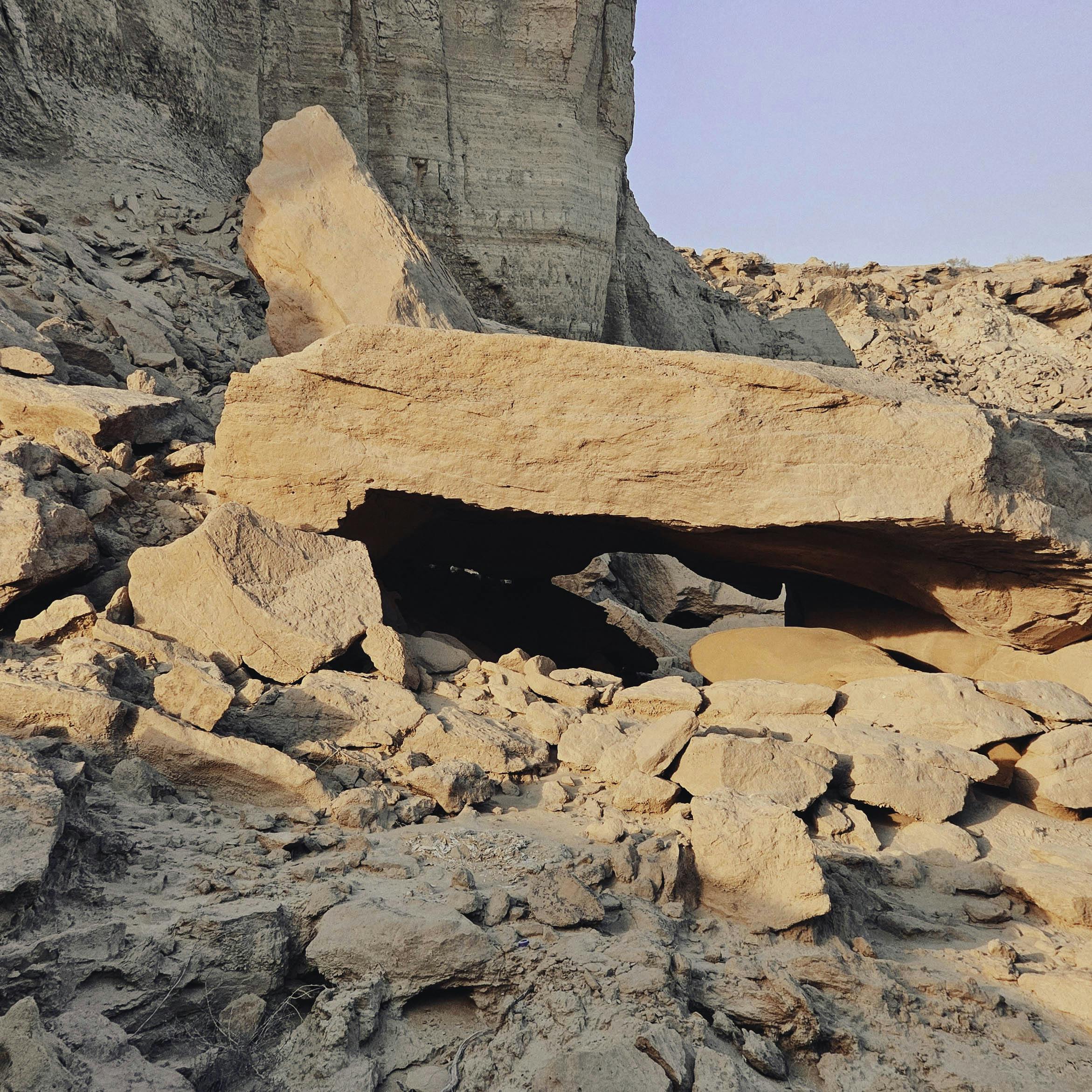
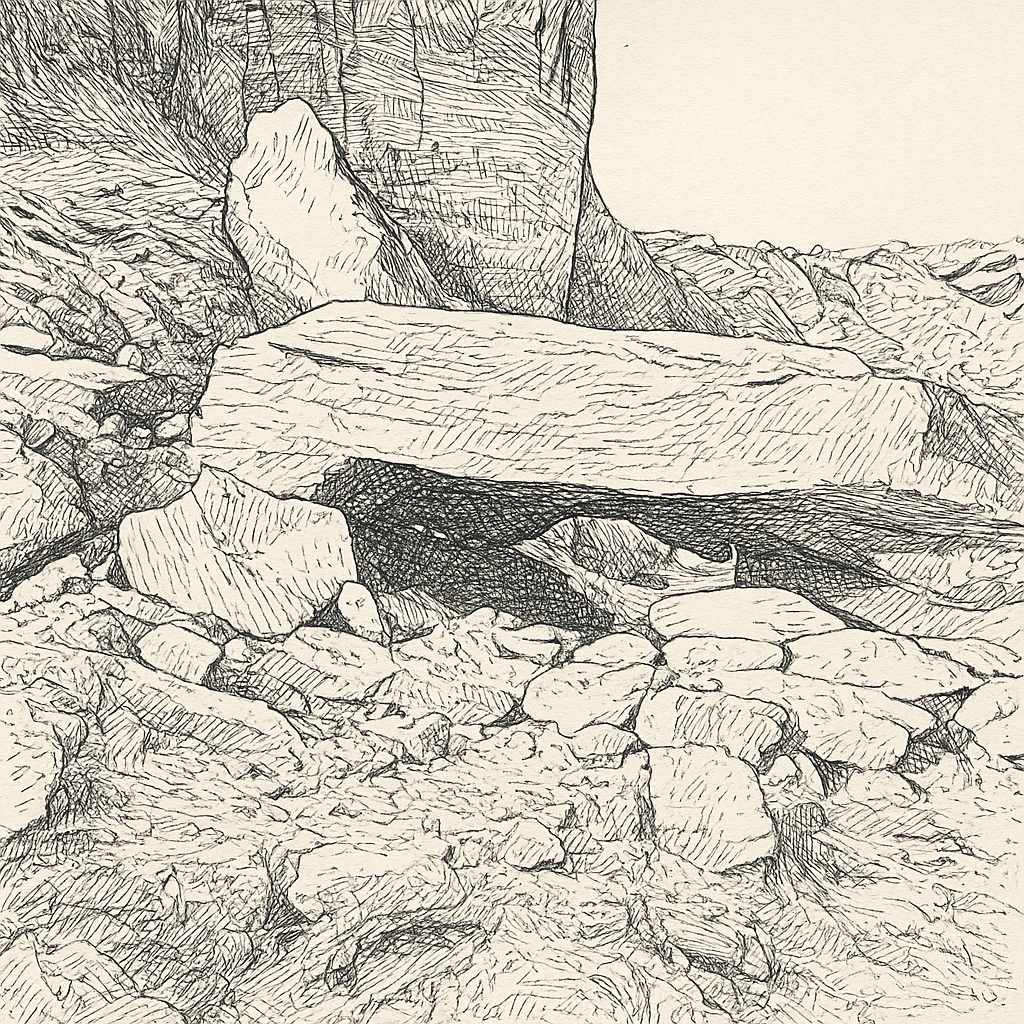
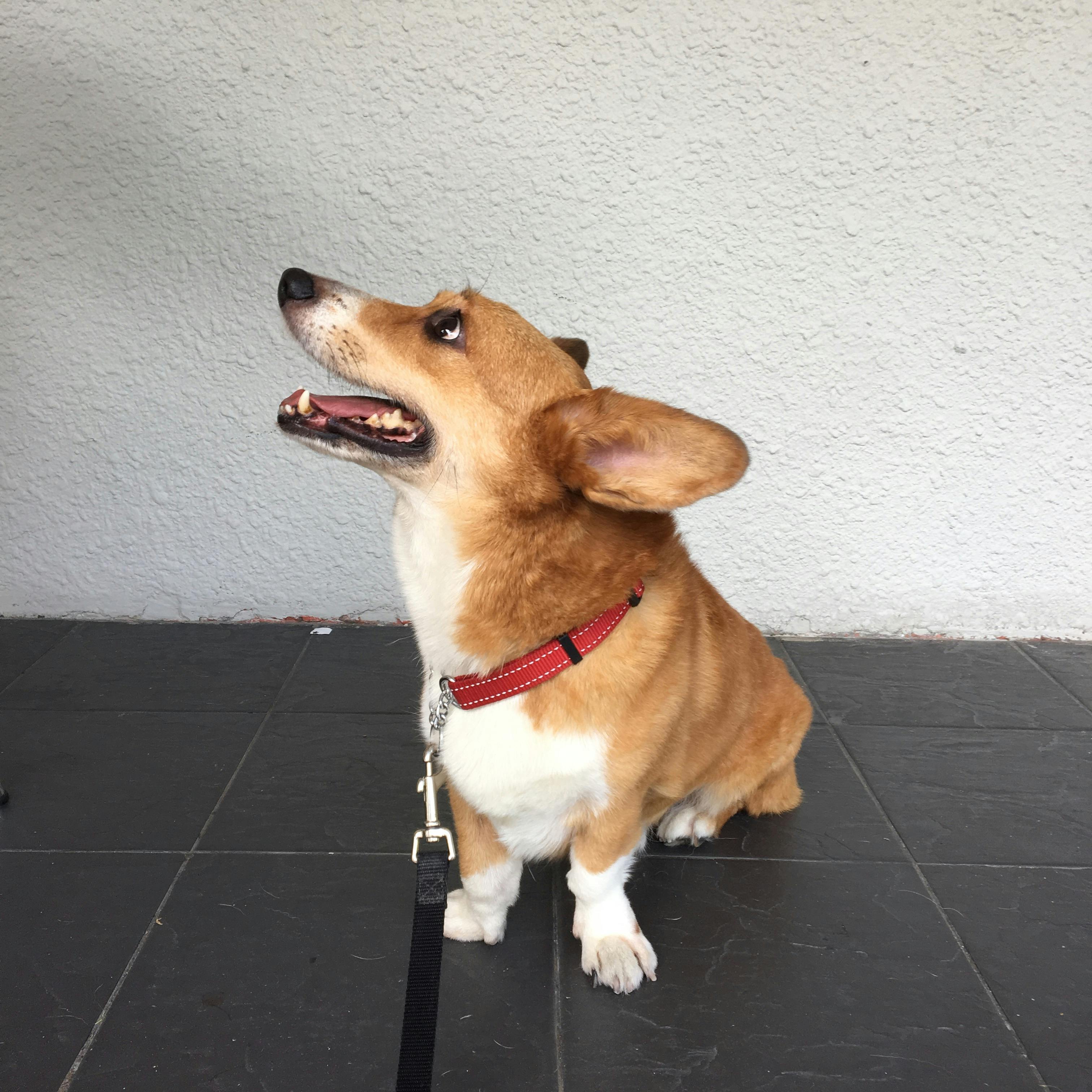
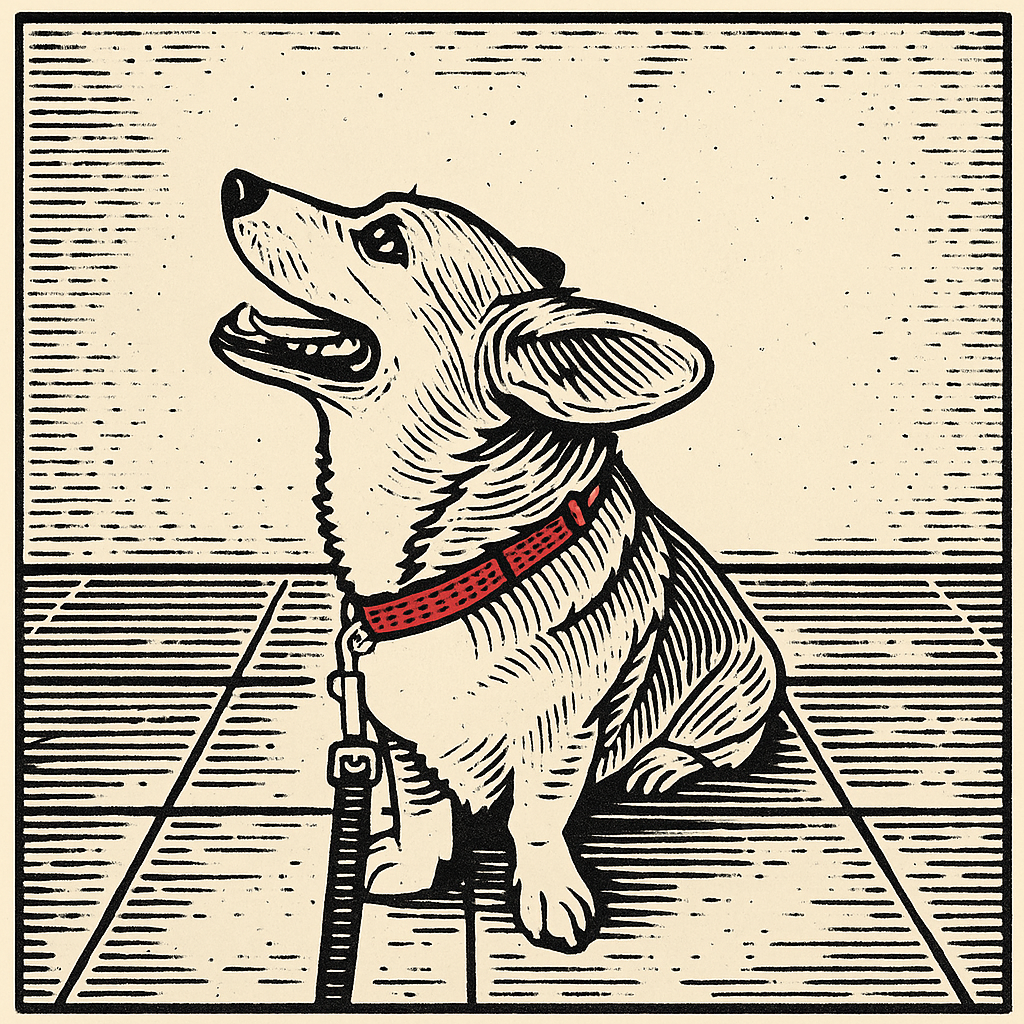

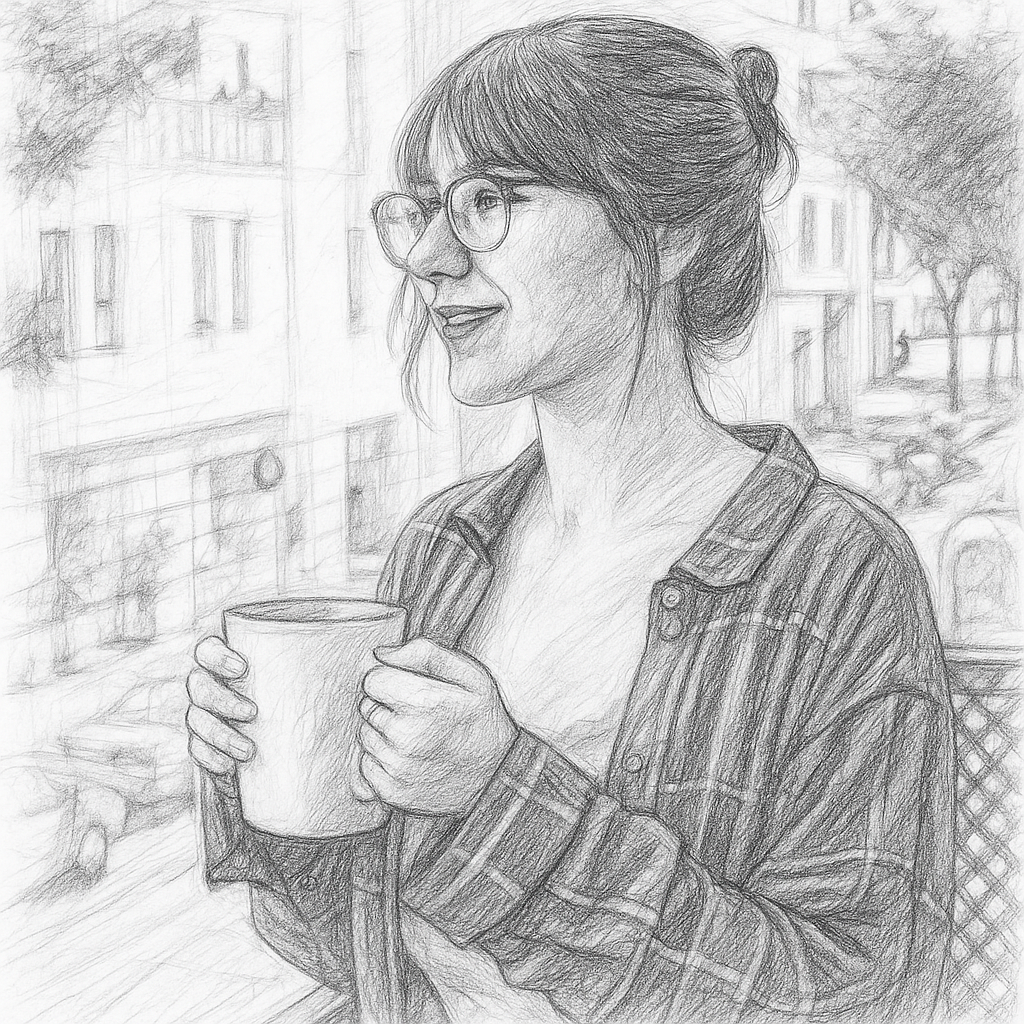
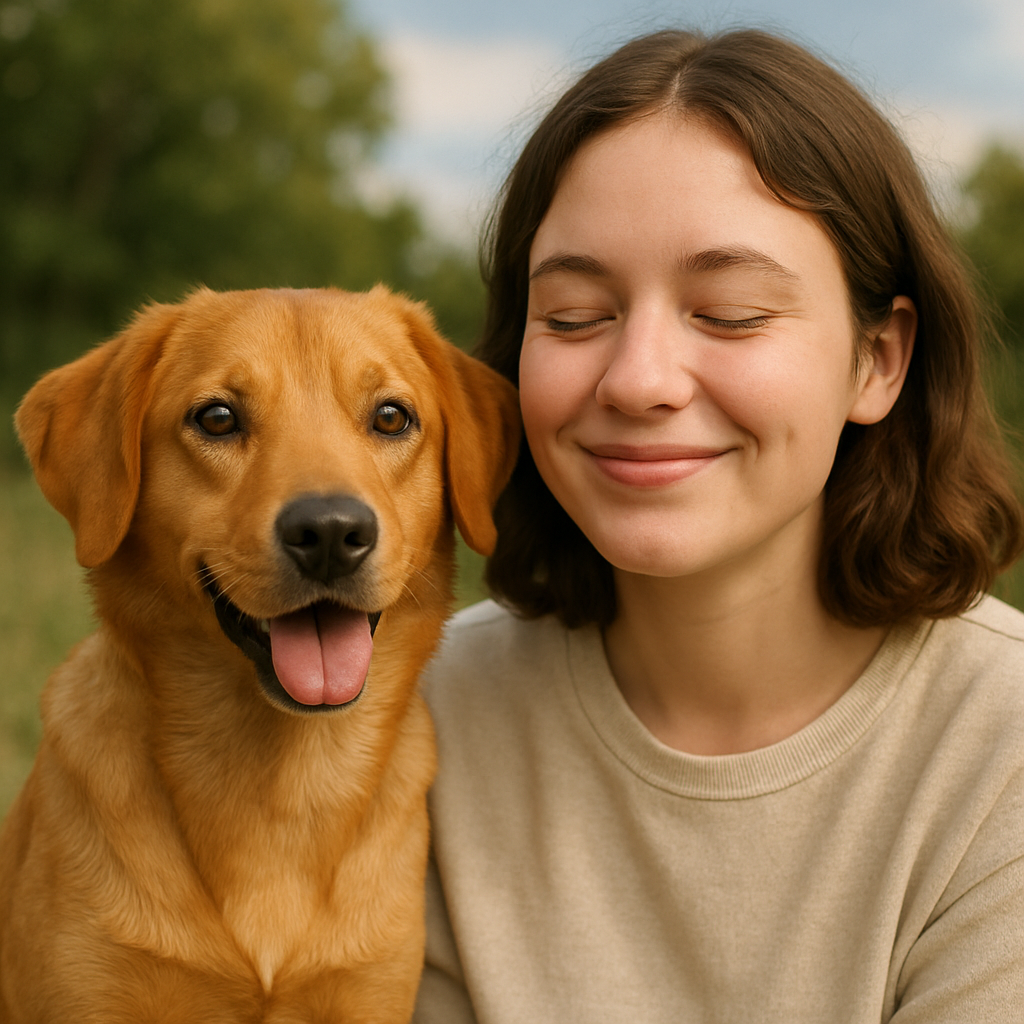
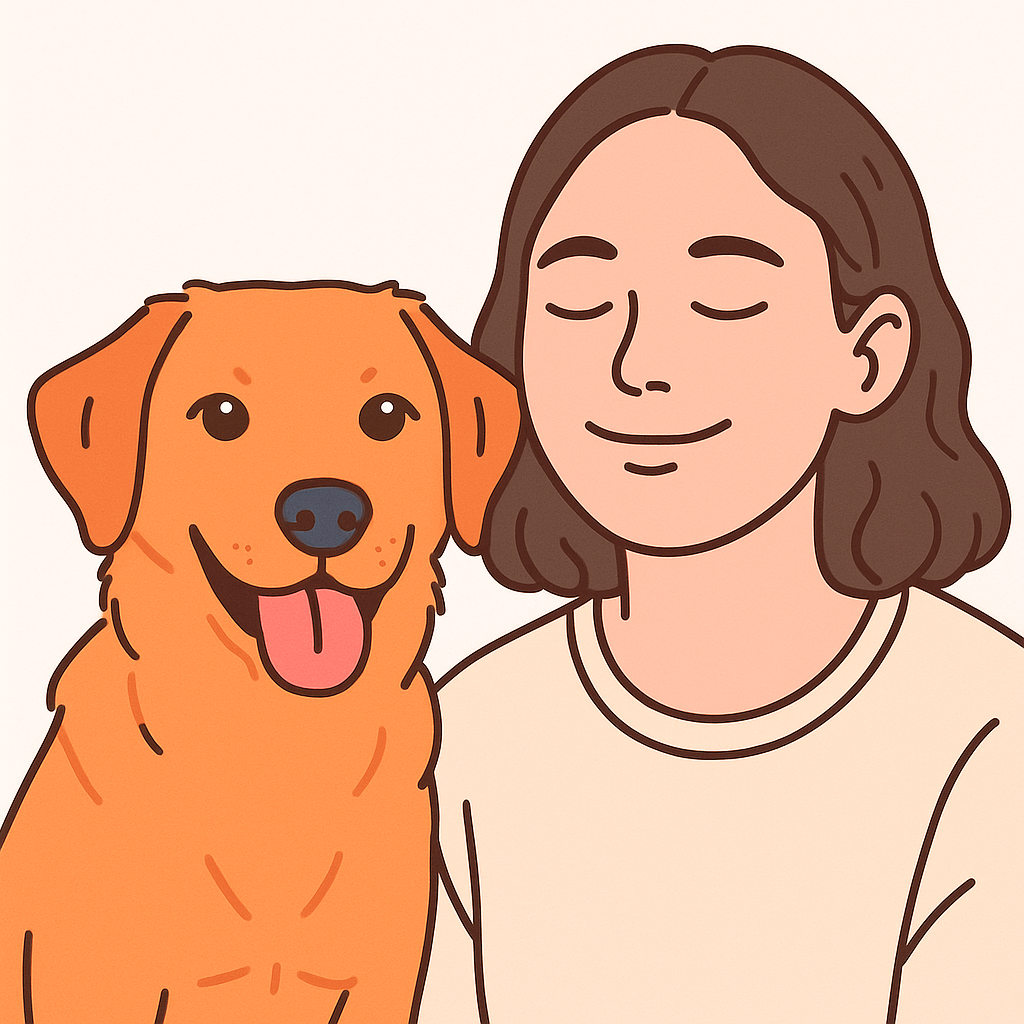
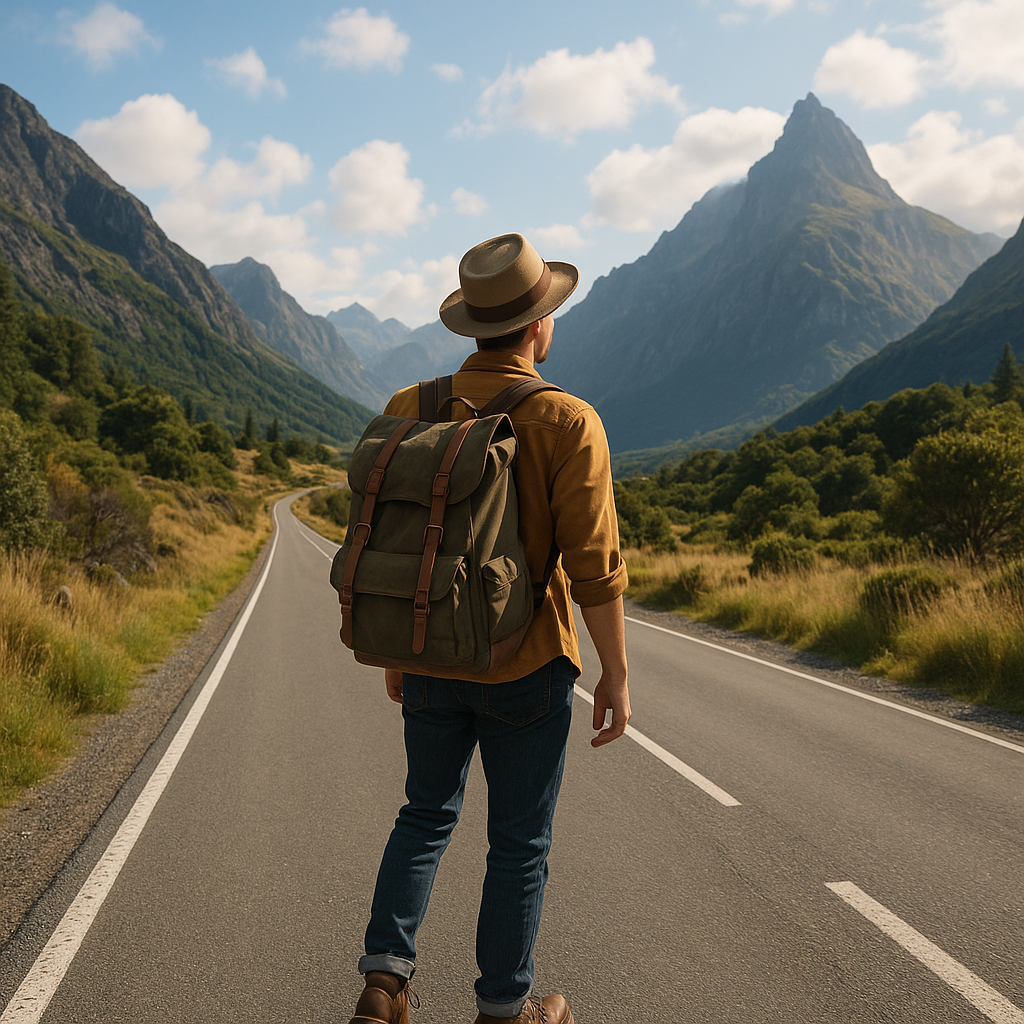
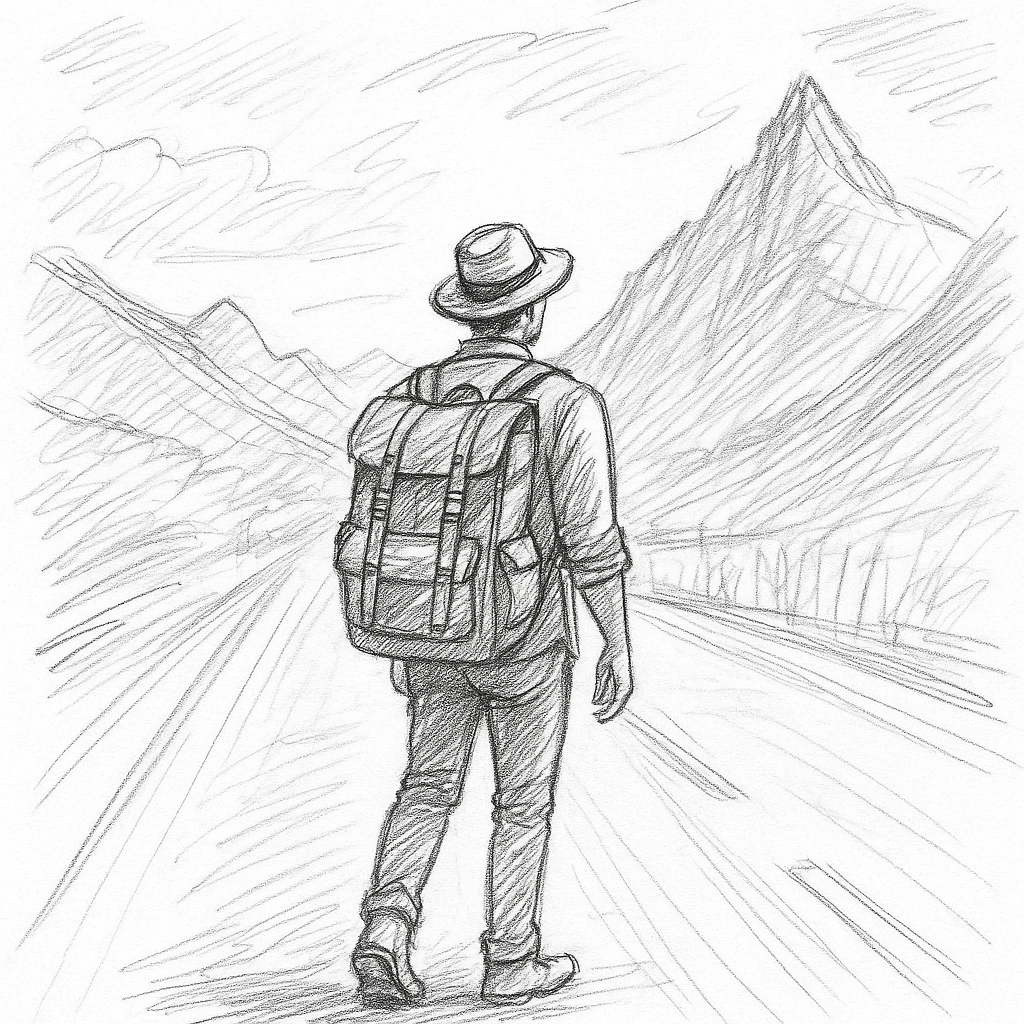
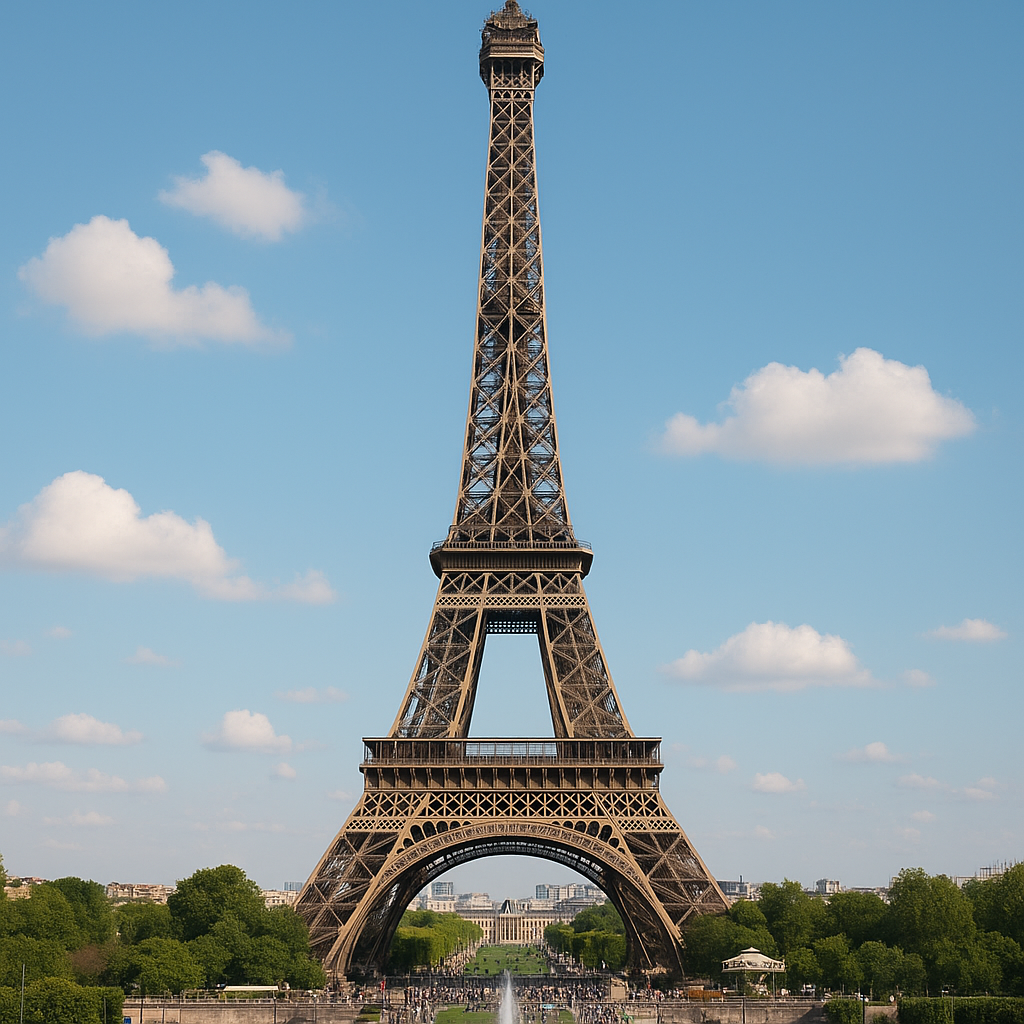
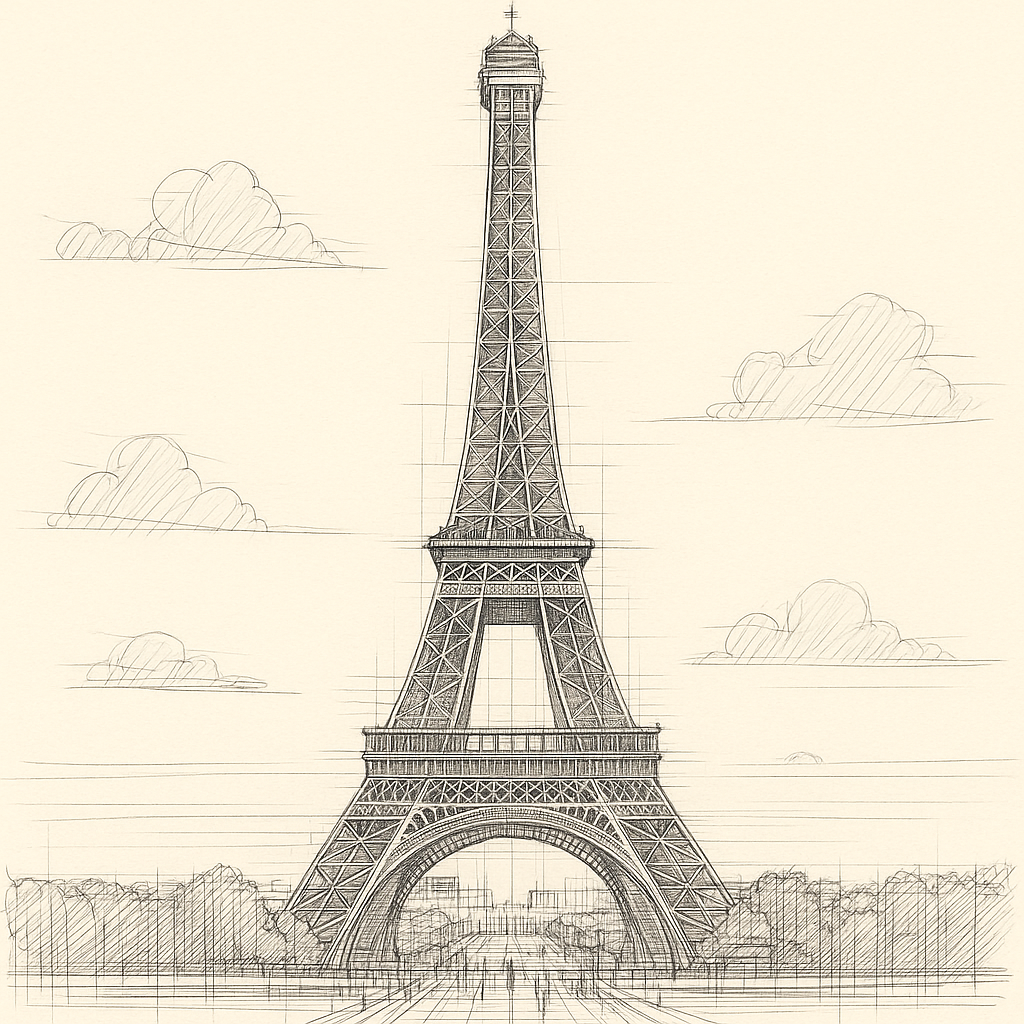
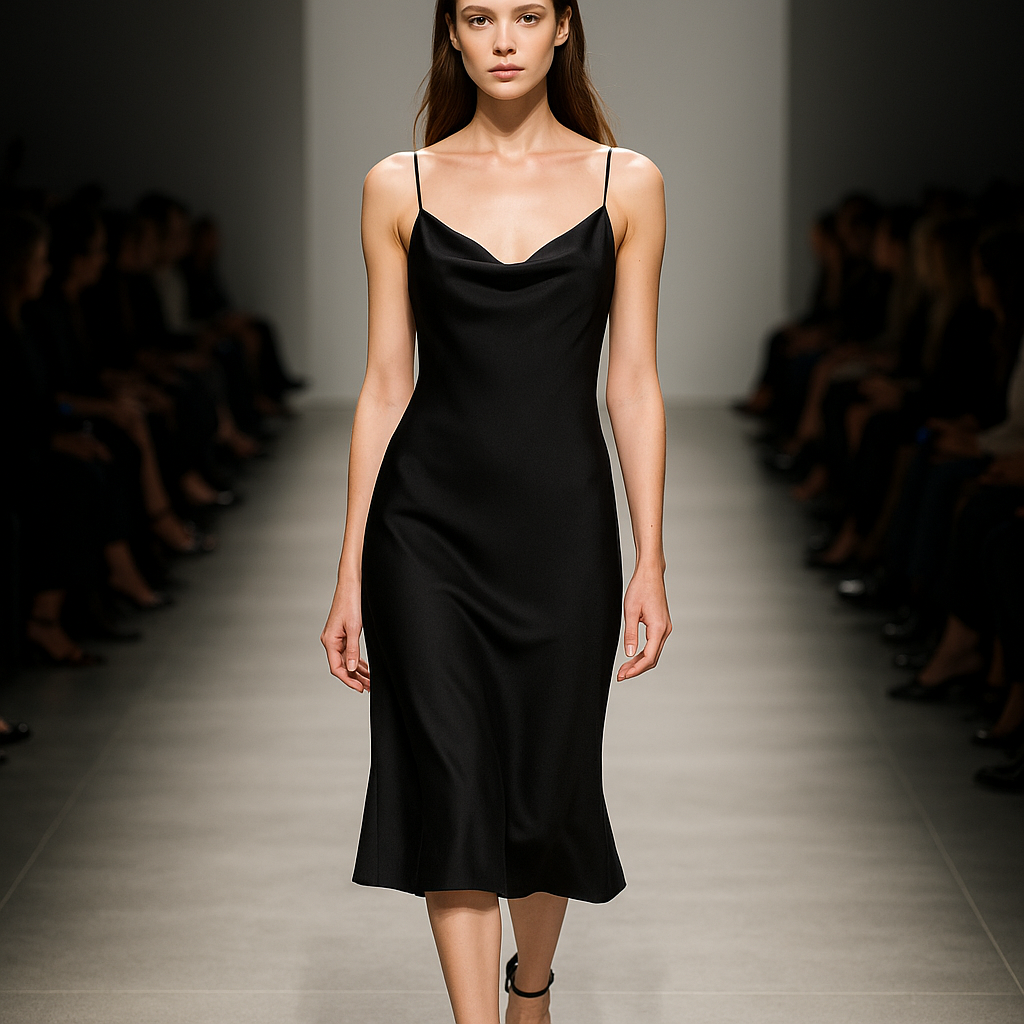
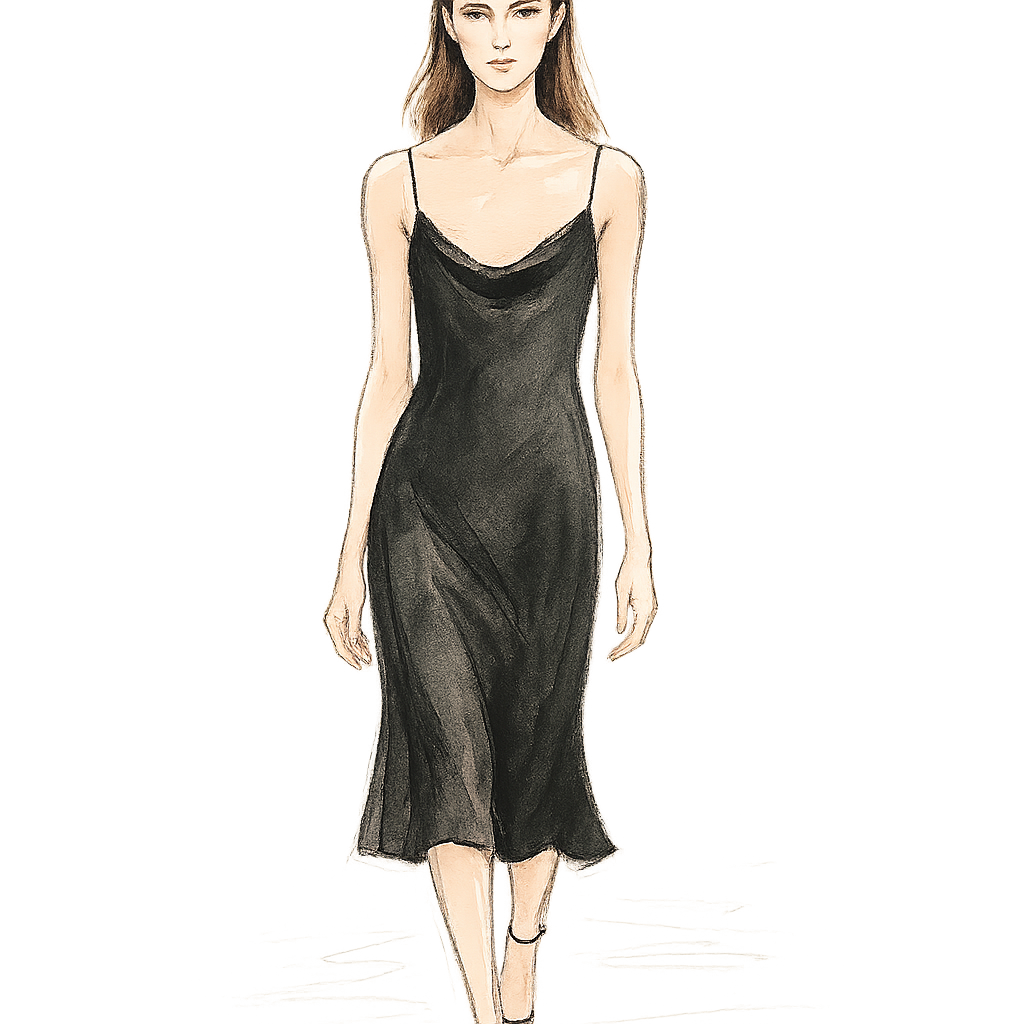
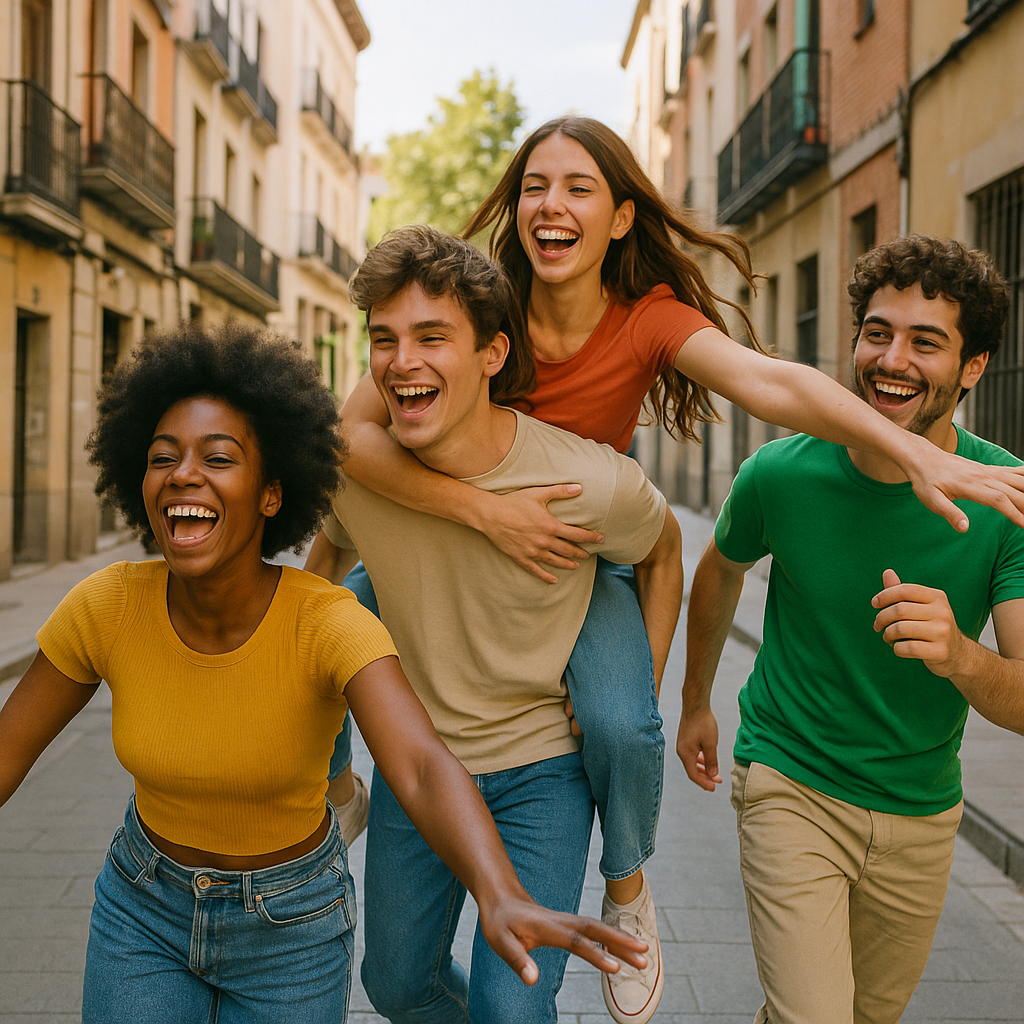
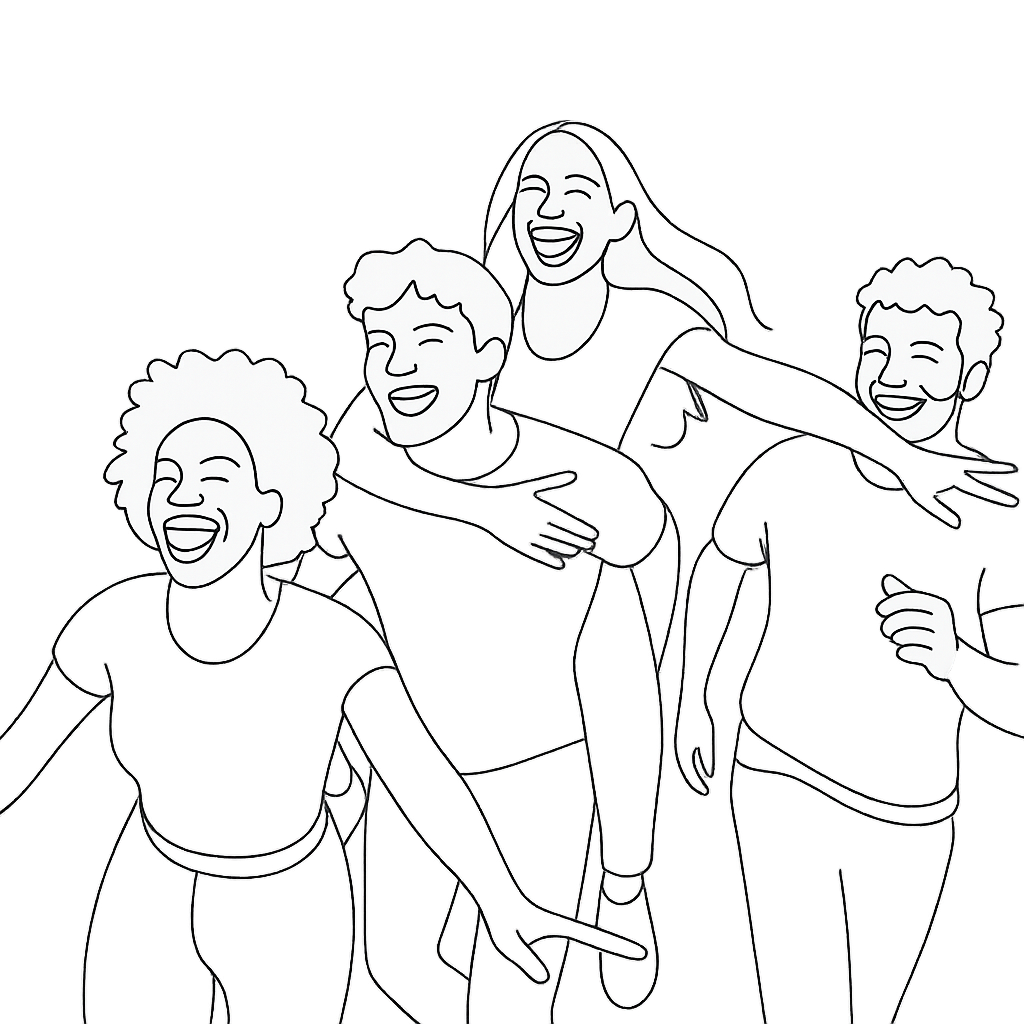

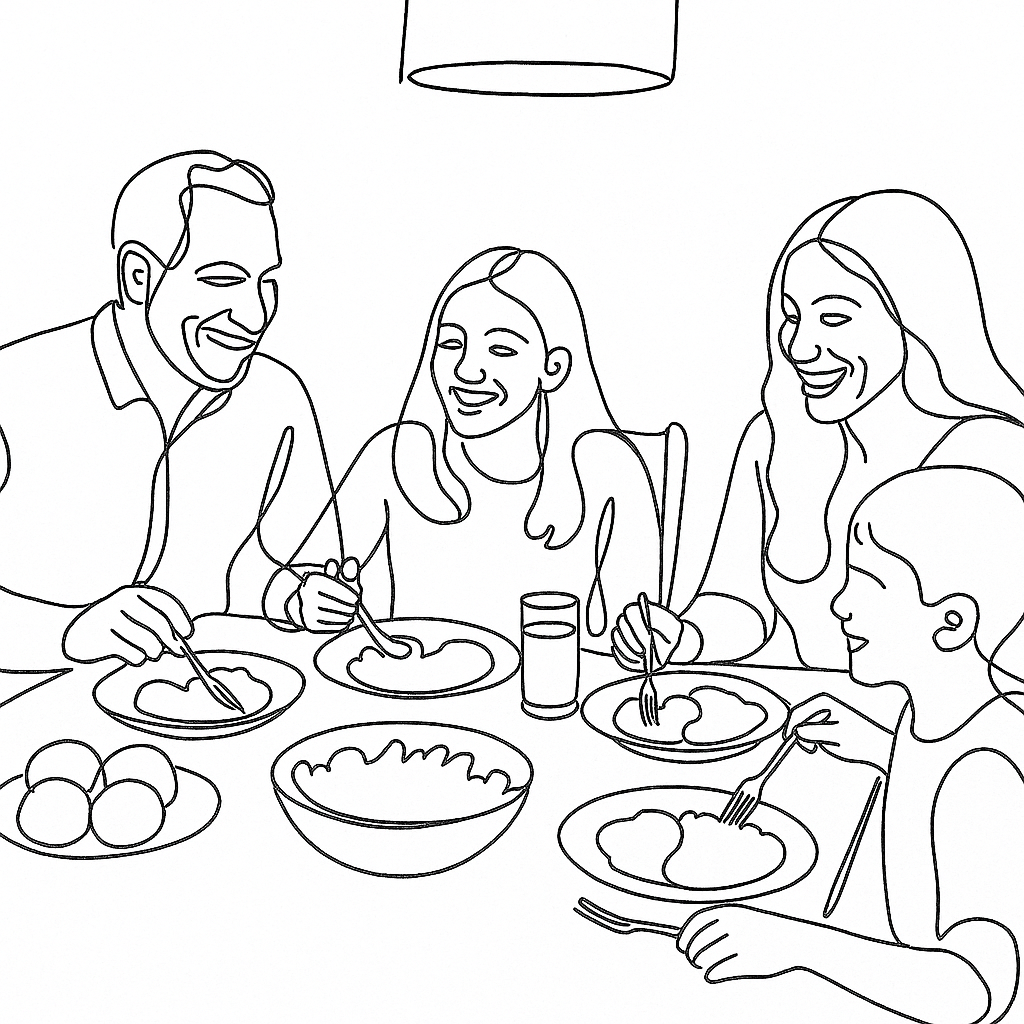
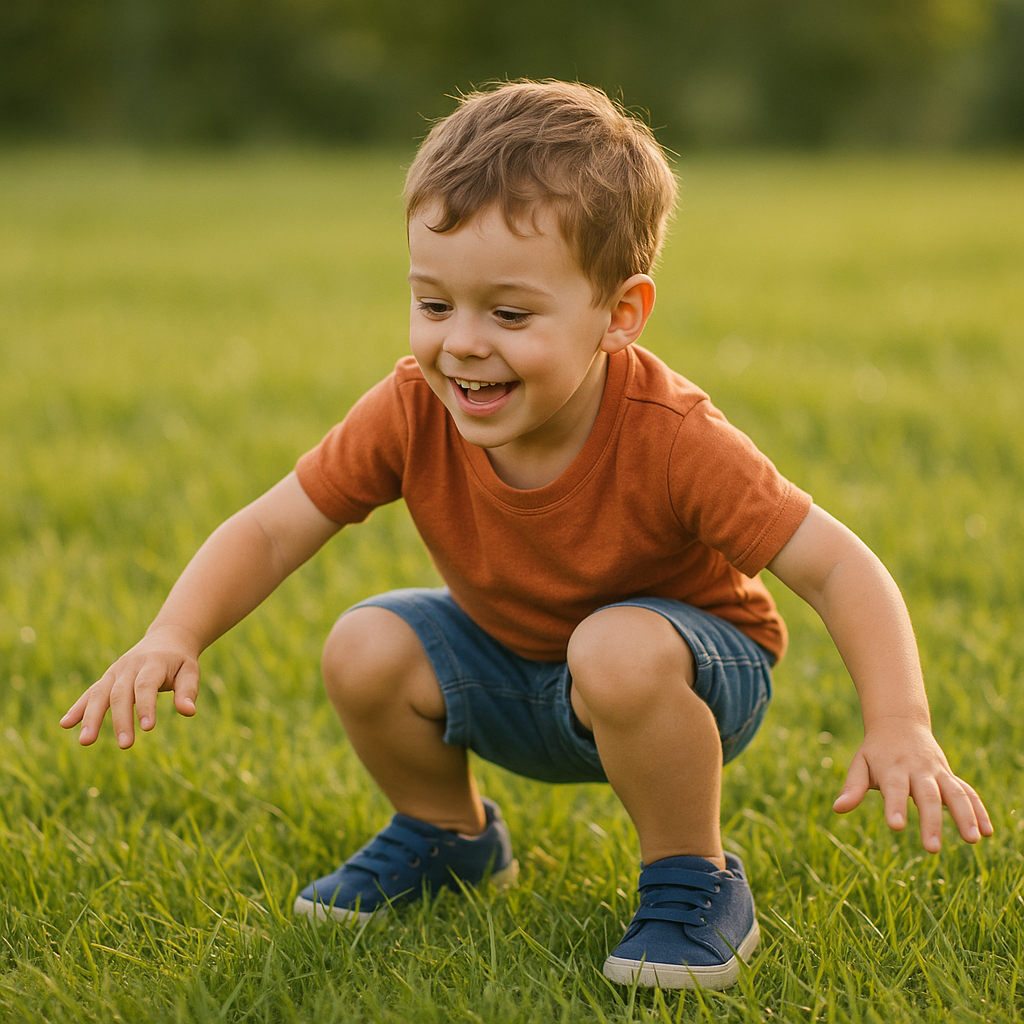
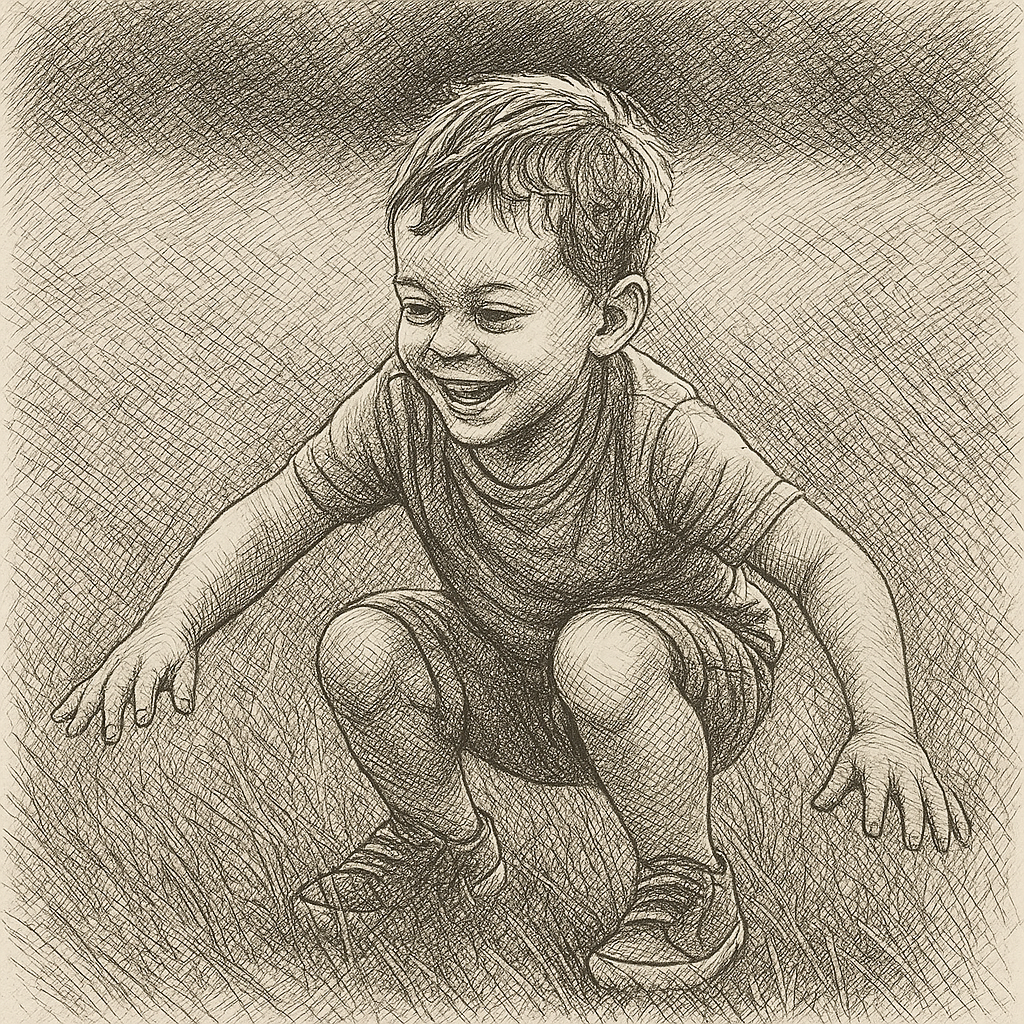
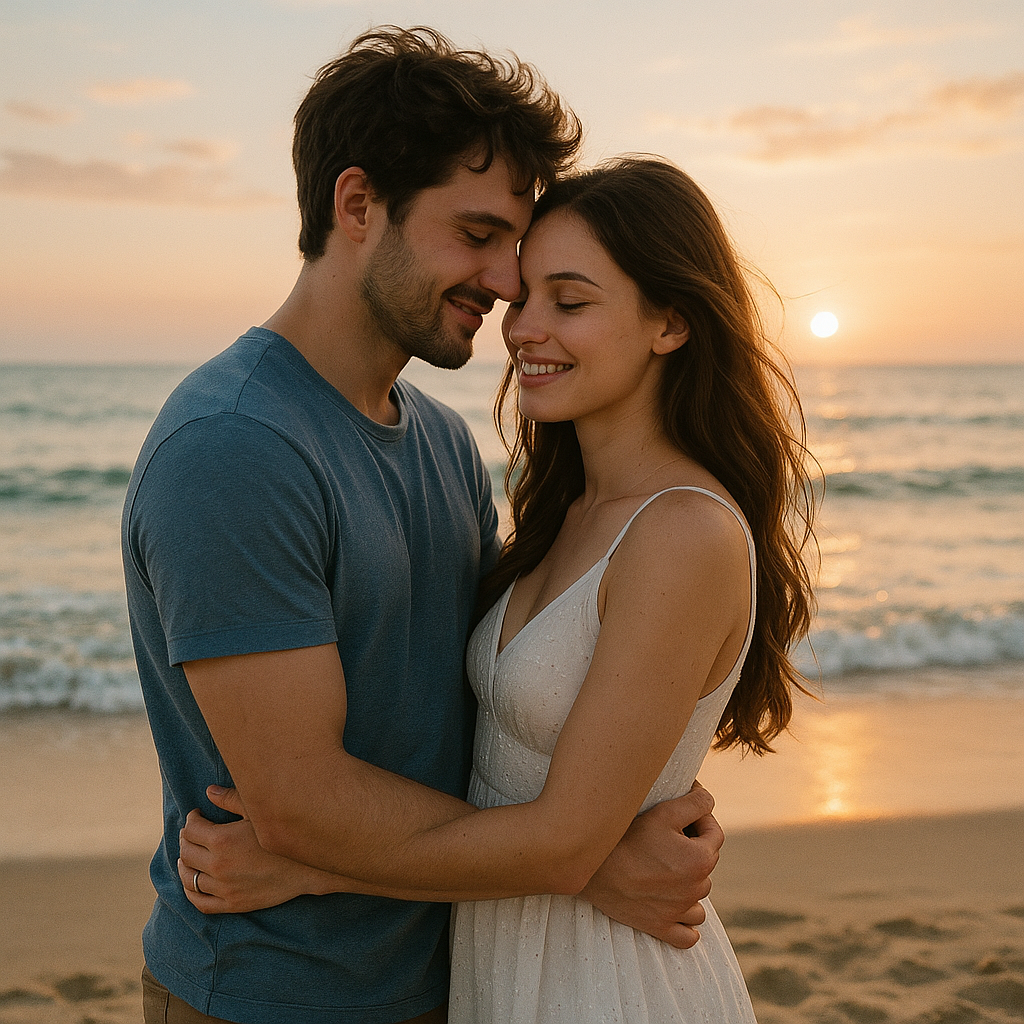
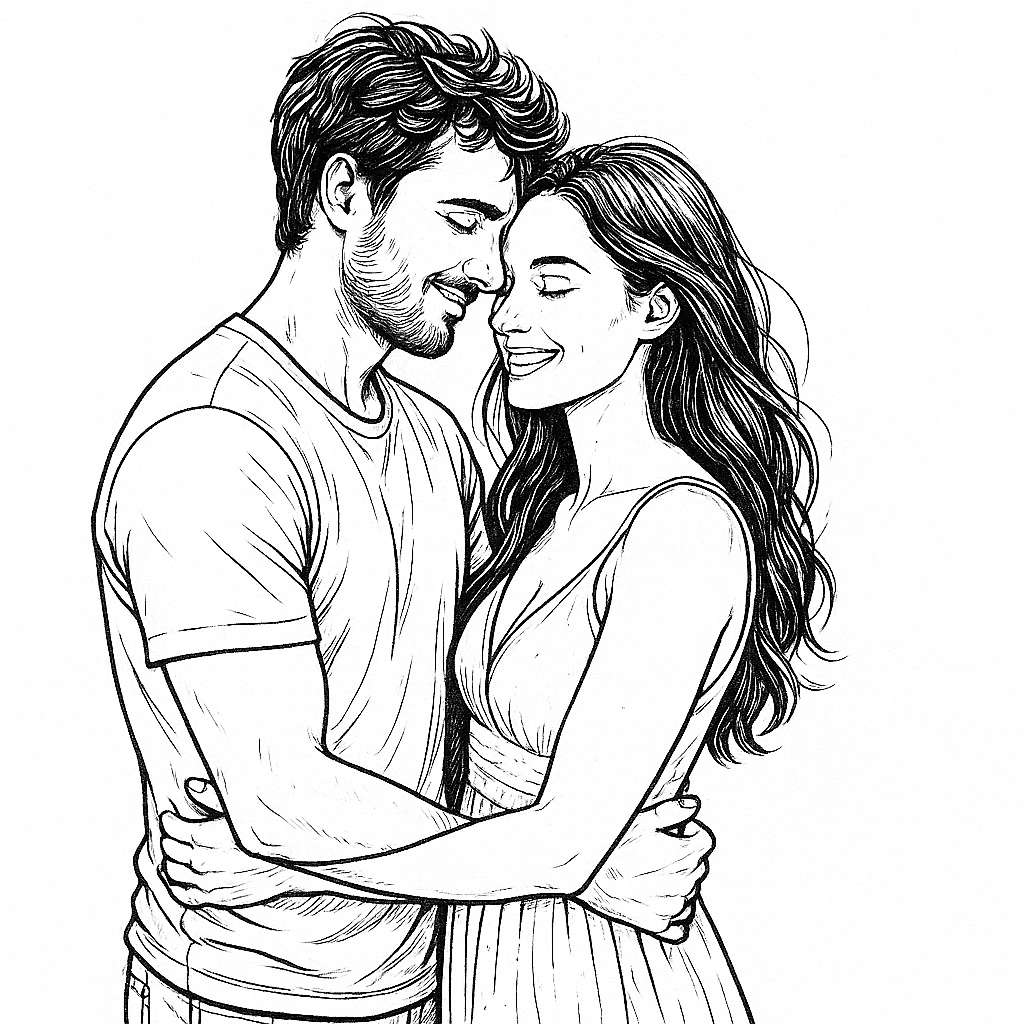



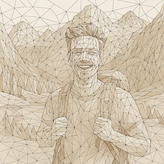

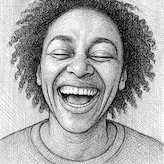

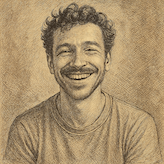

Use the visual goal first, then open the tool that matches your output. This keeps the workflow fast and avoids testing several similar pages.
| Intent | Goal | Best Tool | Typical Output |
|---|---|---|---|
| General | Clean black-and-white drawing | Line Drawing | Readable line sketch |
| Printable craft template | Free Online Stencil Maker | High-contrast printable stencil | |
| Contour | Strong outside contour | Outline Drawing | Bold subject outline |
| Color | Coloring book page | Coloring Page | Clean printable outlines |
| Flow | Single flowing stroke | One-Line Drawing | Minimal continuous line artwork |
| Design | Design draft or blueprint reference | Technical Drawing | Structured CAD-style line visual |
Use the visual goal first, then open the tool that matches your output. This keeps the workflow fast and avoids testing several similar pages.
Decide whether the output is for coloring, stencil printing, tattoo reference, wall art, or a design draft.
Use line drawing for general results, outline drawing for strong contours, and minimalist or one-line tools for cleaner decorative styles.
Upload your photo here, choose the closest line art style, generate the result, and download the finished image.
Choose the right AI line art tool to convert photos into line drawings, outlines, stencils, coloring pages, minimalist line art, and one-line drawings.
Line art is the broad category for artwork made mainly from lines. Line drawing is one specific conversion style that usually creates a clean black-and-white sketch.
Use Coloring Page when you need clear outlines for coloring. Use Stencil Maker when you need stronger shapes for cutting, spraying, or craft templates.
Photos with a clear subject, good contrast, visible edges, and simple backgrounds usually produce cleaner line art results.
The tools aim to keep the main subject recognizable while simplifying texture, shadows, and background detail into line-based artwork.
Most photo-to-line-art generations finish in under a minute, depending on image size, selected tool, and current system load.
You can use your generated image for personal or commercial projects, but you should make sure your uploaded photo and intended usage rights are valid.
No. Minimalist line art uses fewer clean lines, while one-line or continuous-line drawing tries to create the subject with a connected flowing stroke.
Use Outline Drawing when you need bold contours and simplified edges. Use Line Drawing when you want a more general sketch-like line result.
Yes. This Hub includes the generator at the top, so you can upload a photo, choose a line art style, and create the result without opening another page.
Upload once, choose a line art style, and generate directly from this Hub.