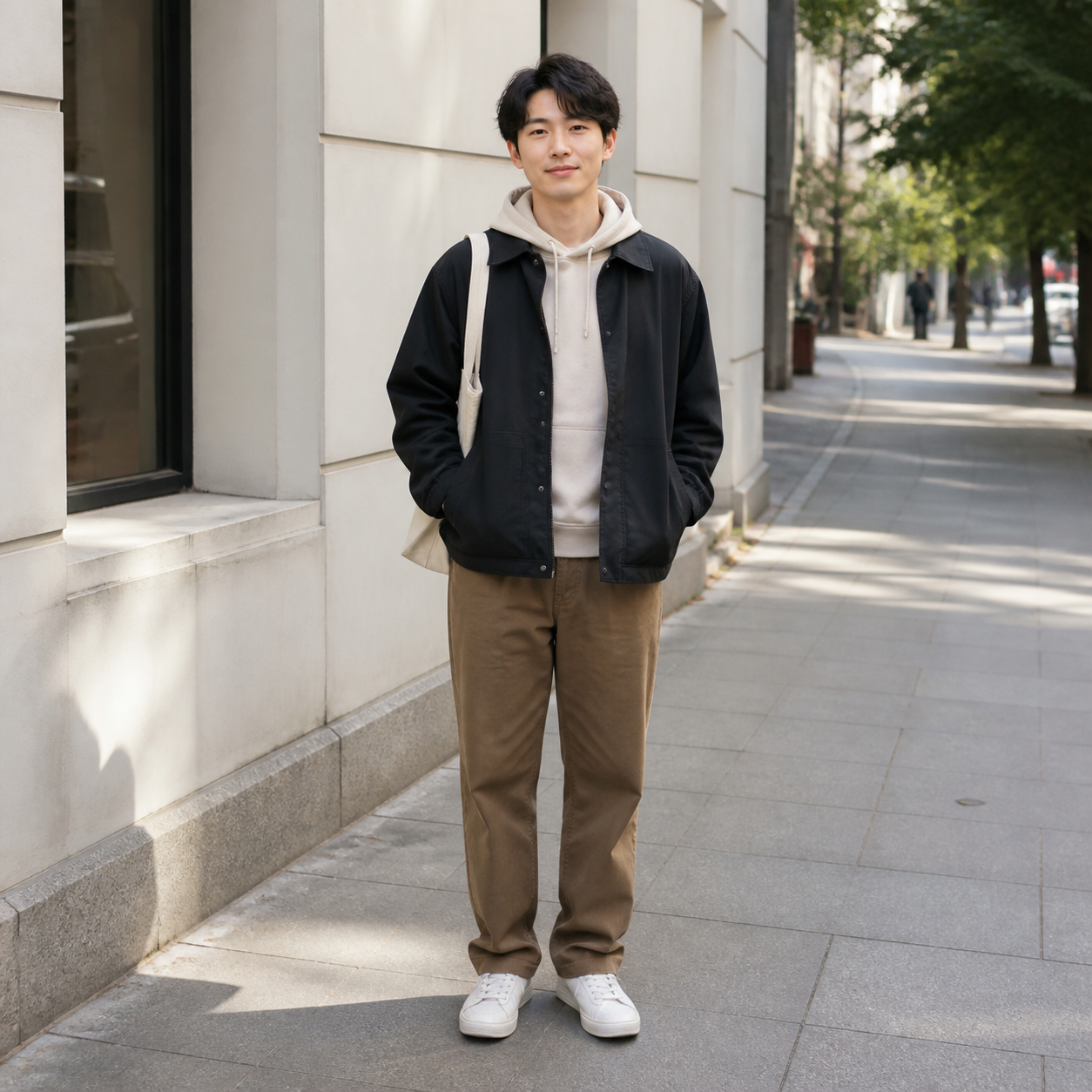
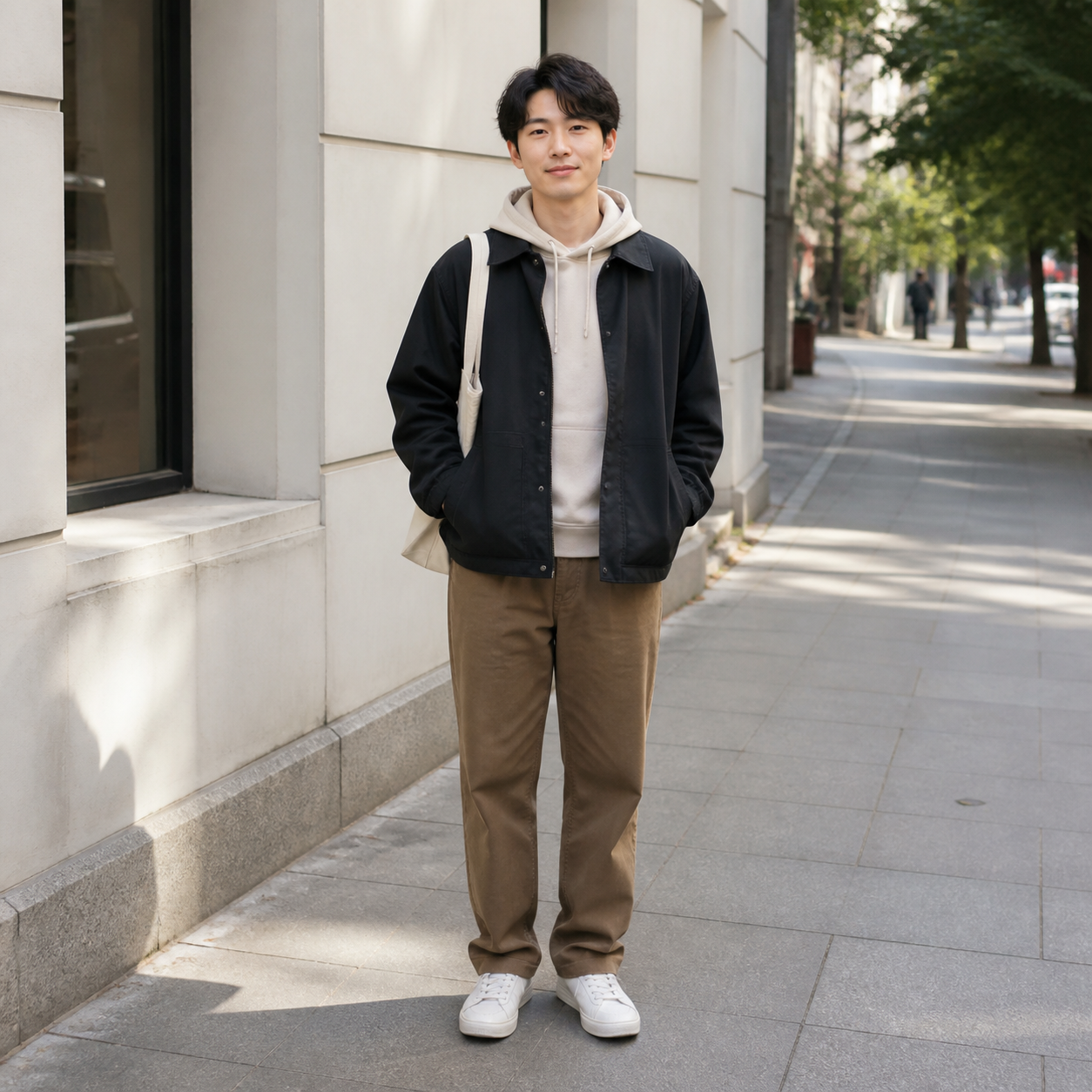
Convert photos into dot-based, pixelated, mosaic, pointillist, and low-poly styles with clear visual presets.
1:1 Square
Best for Instagram and universal social posts.
AI-native output
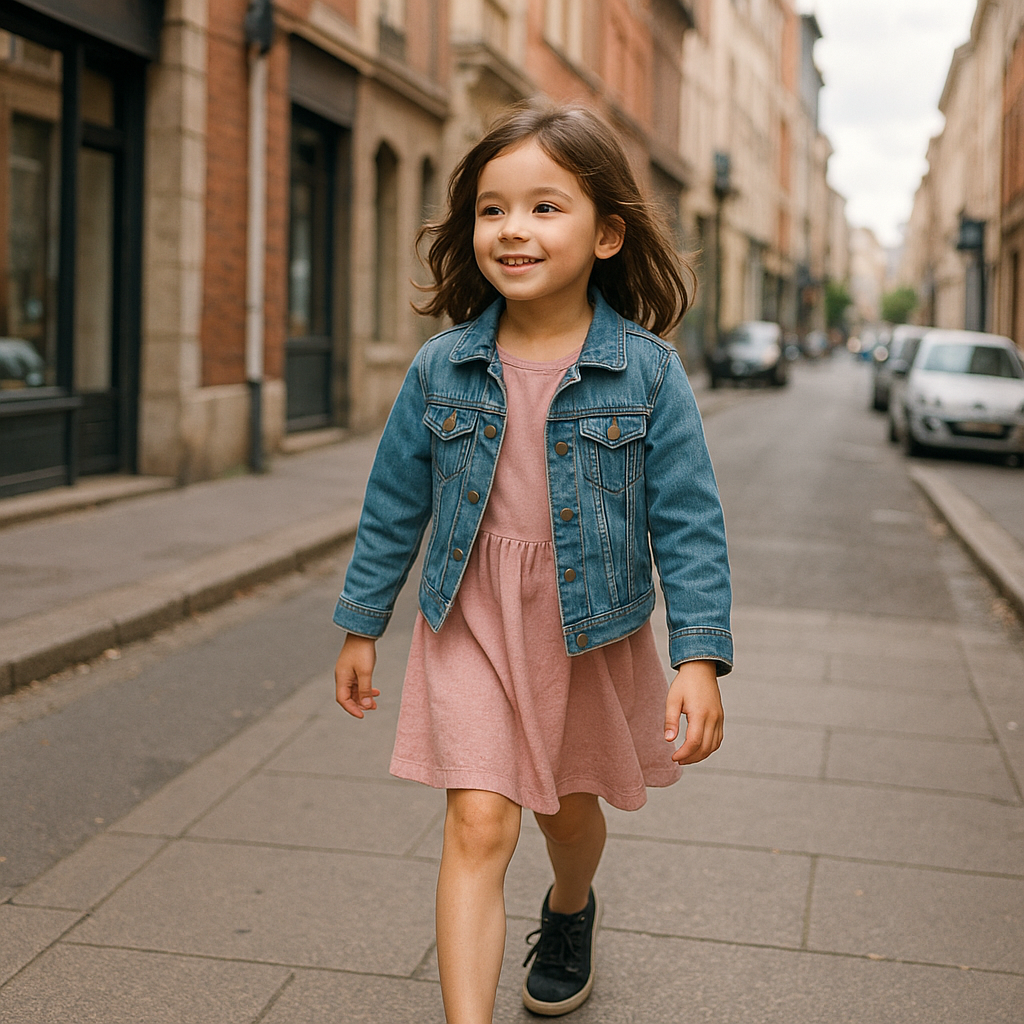
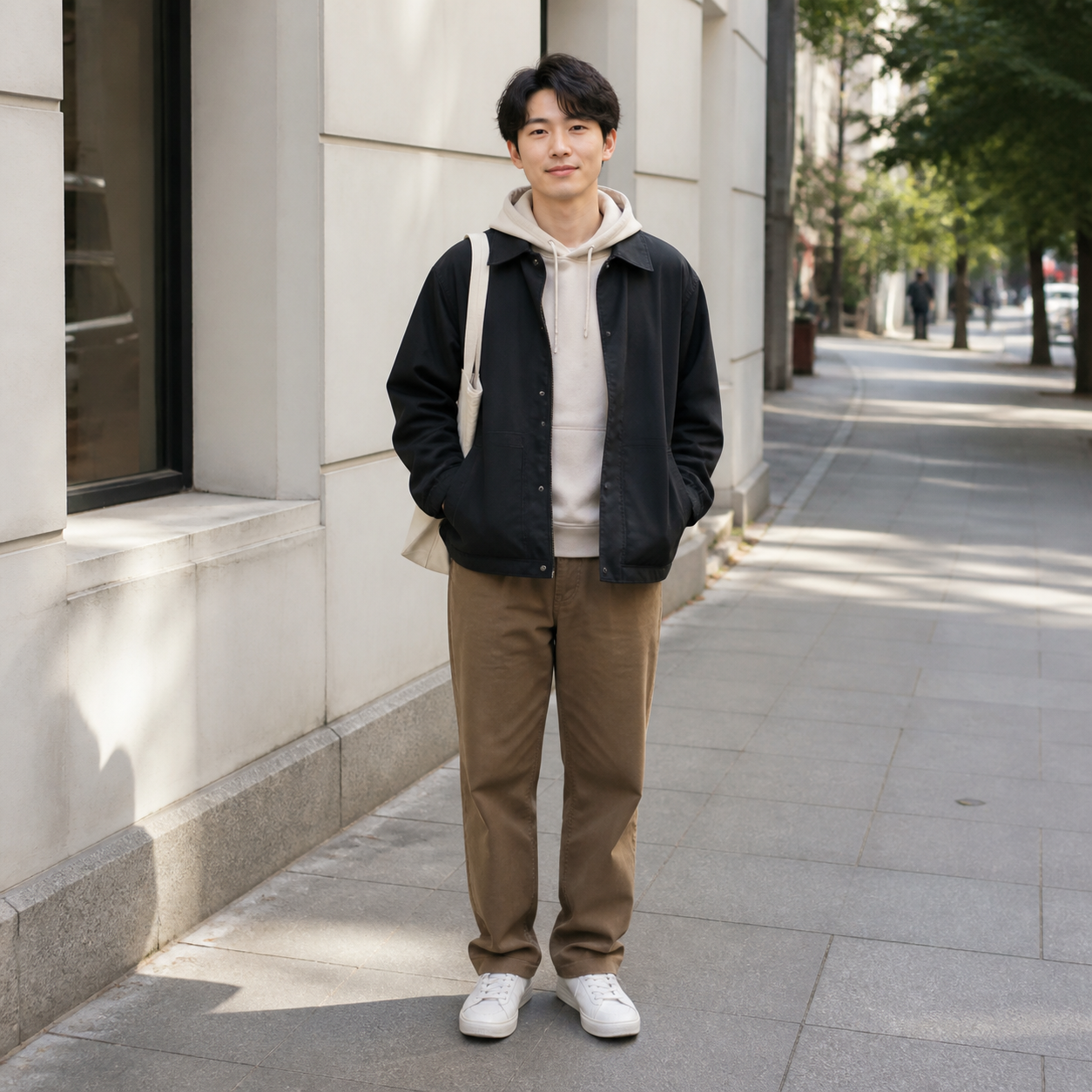
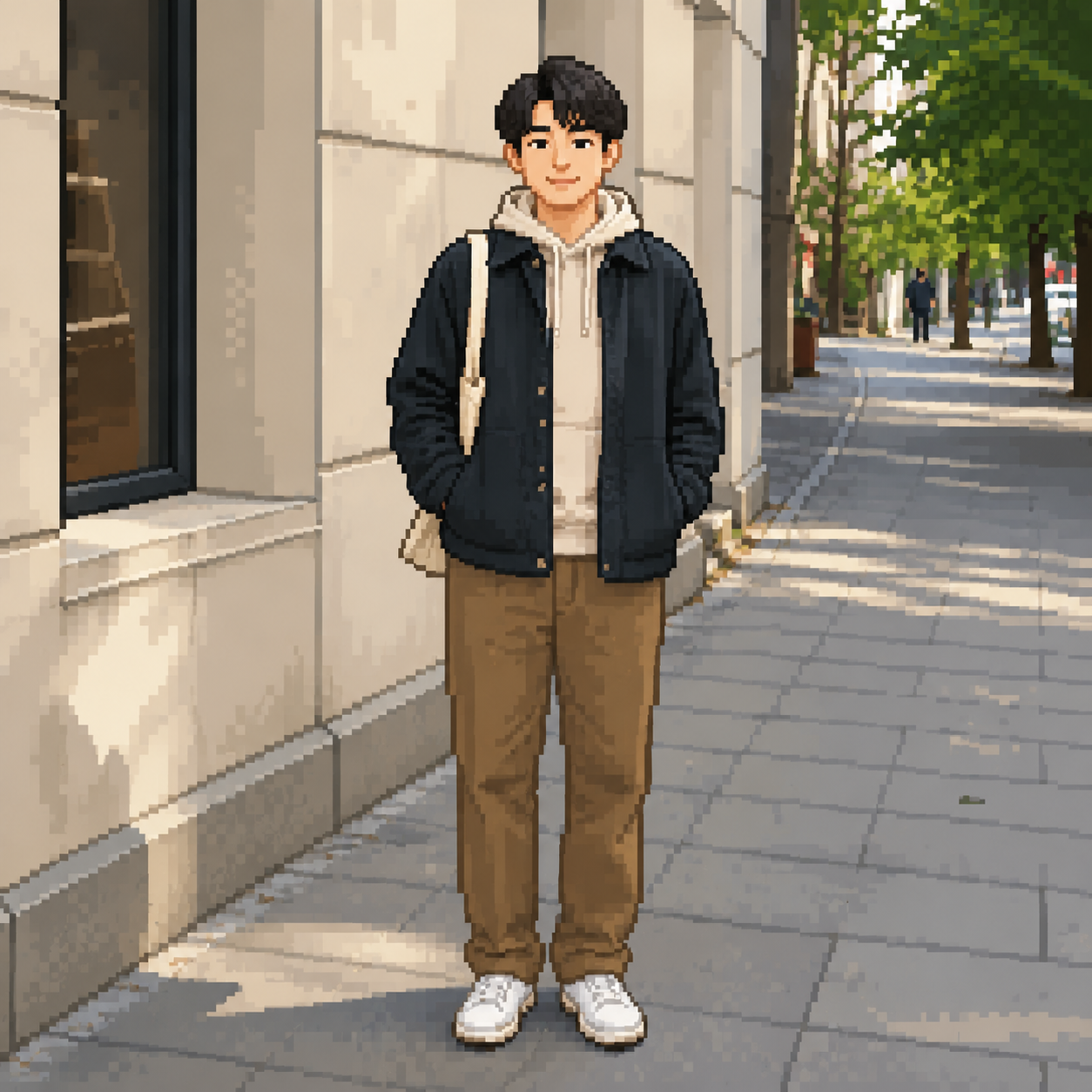
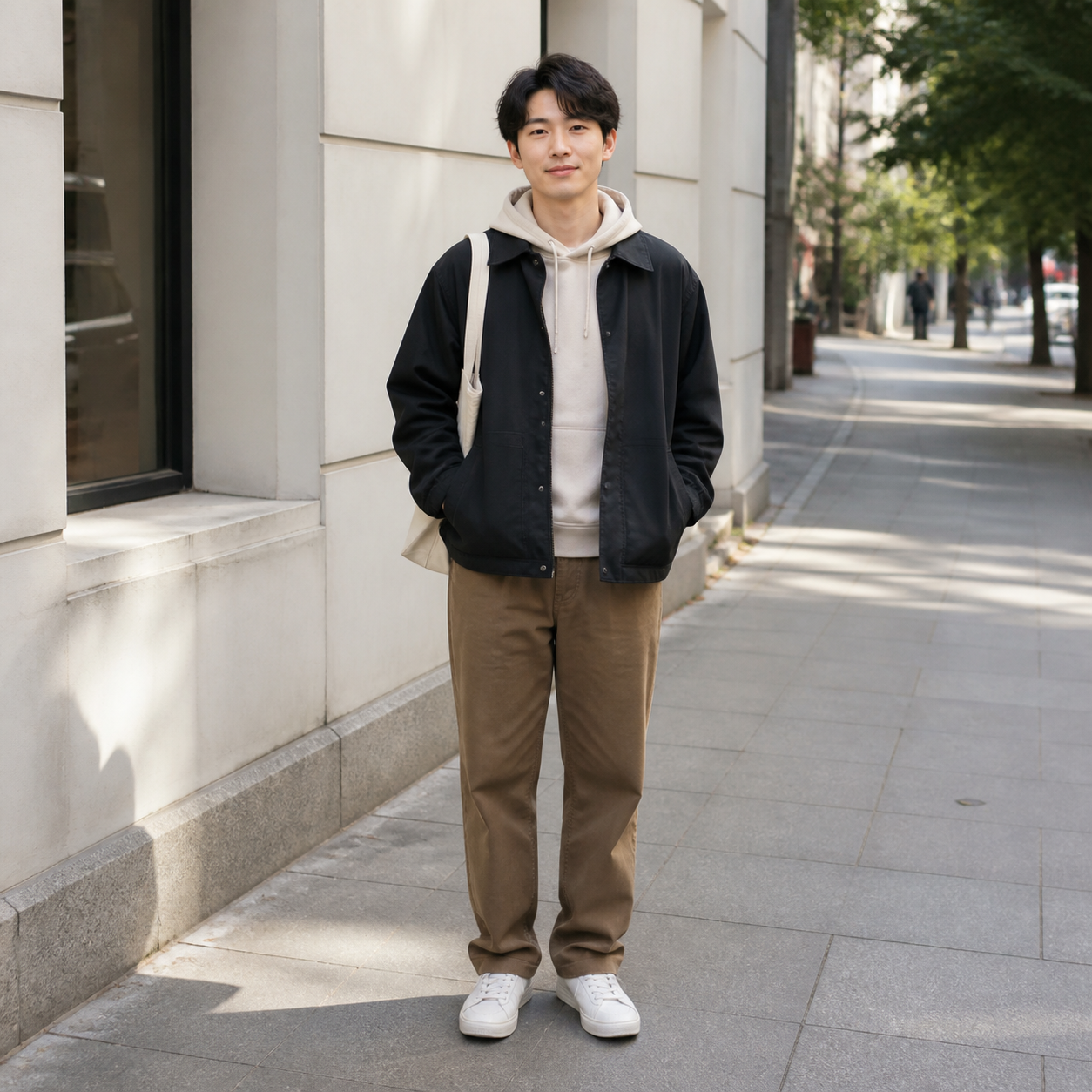
Generated Preview
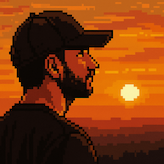
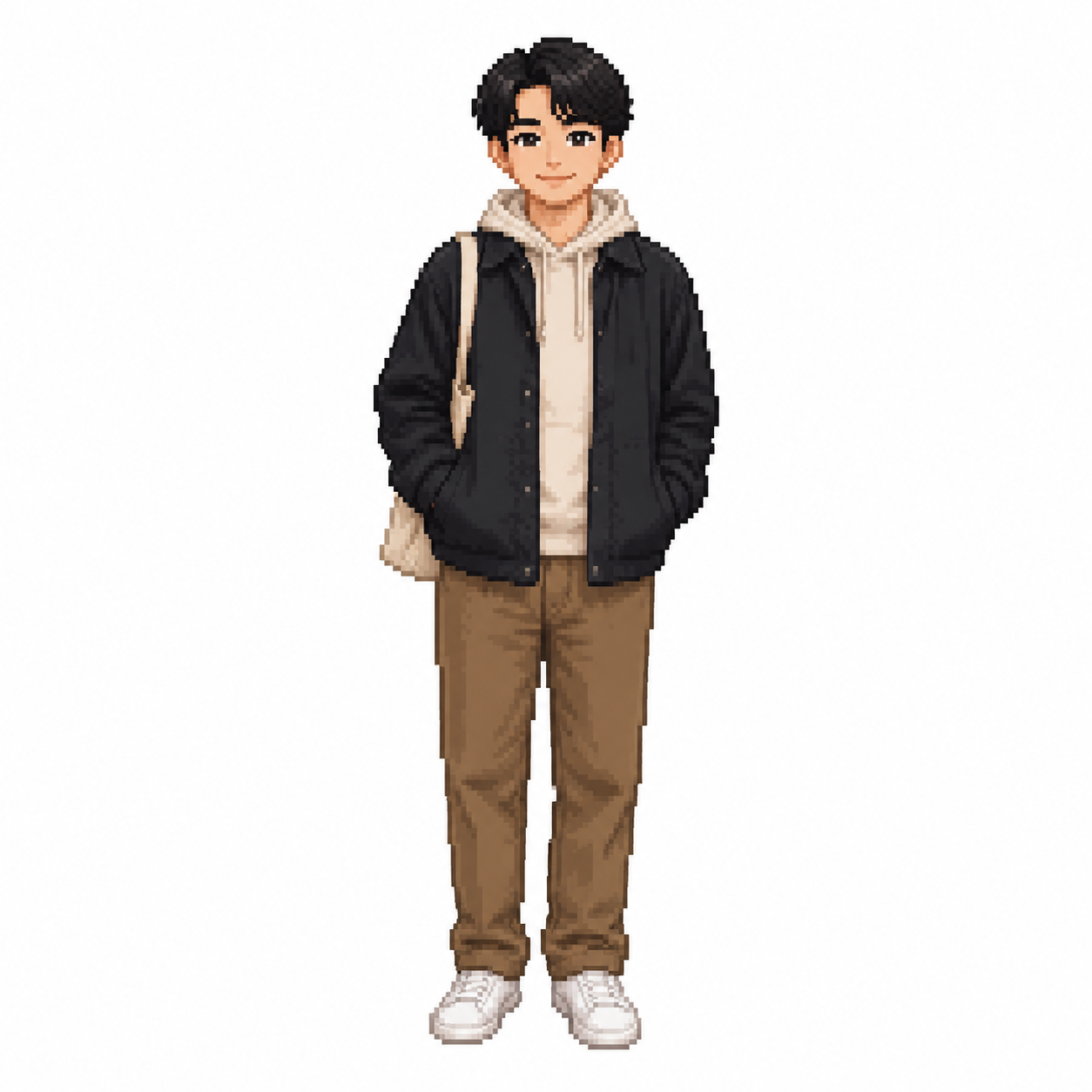
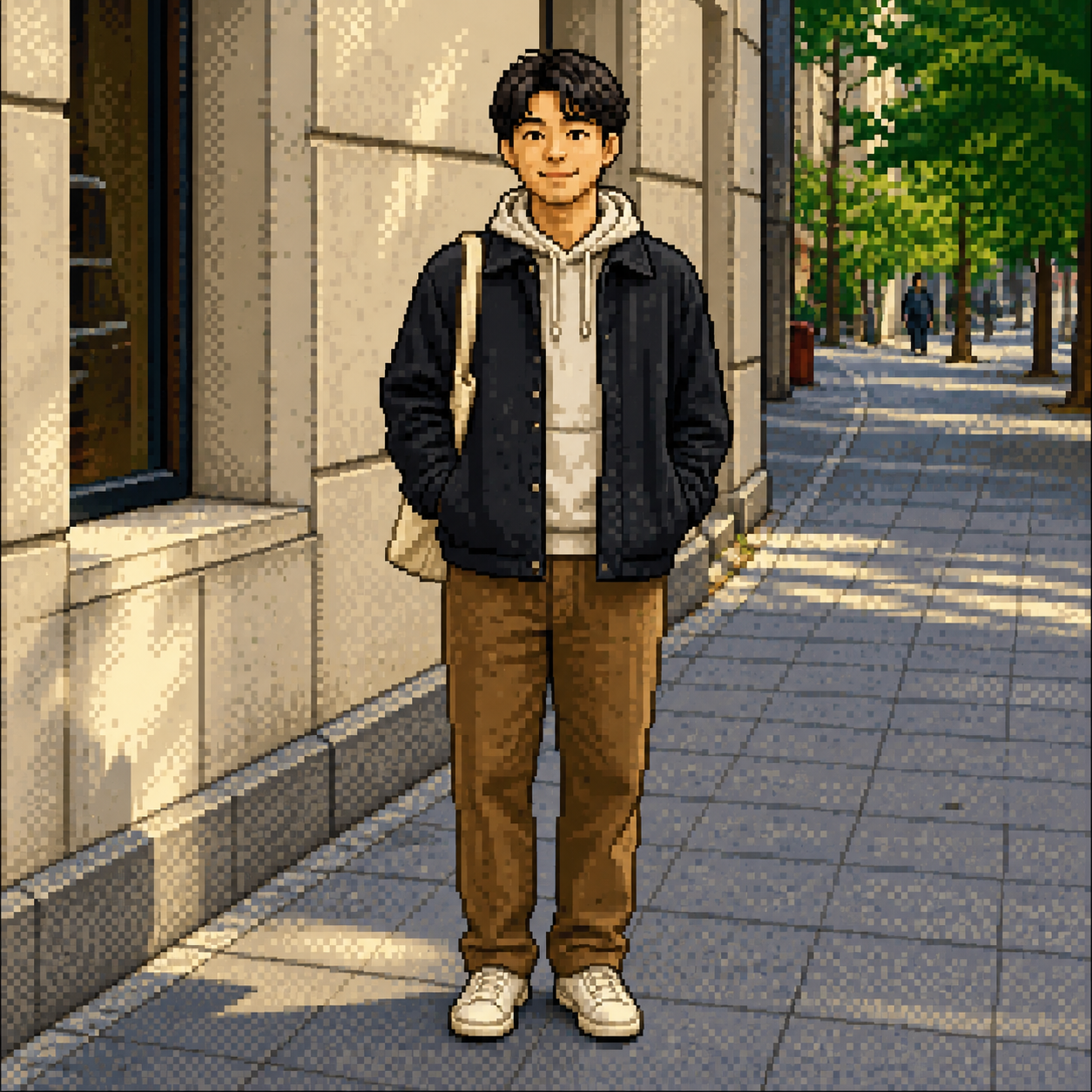
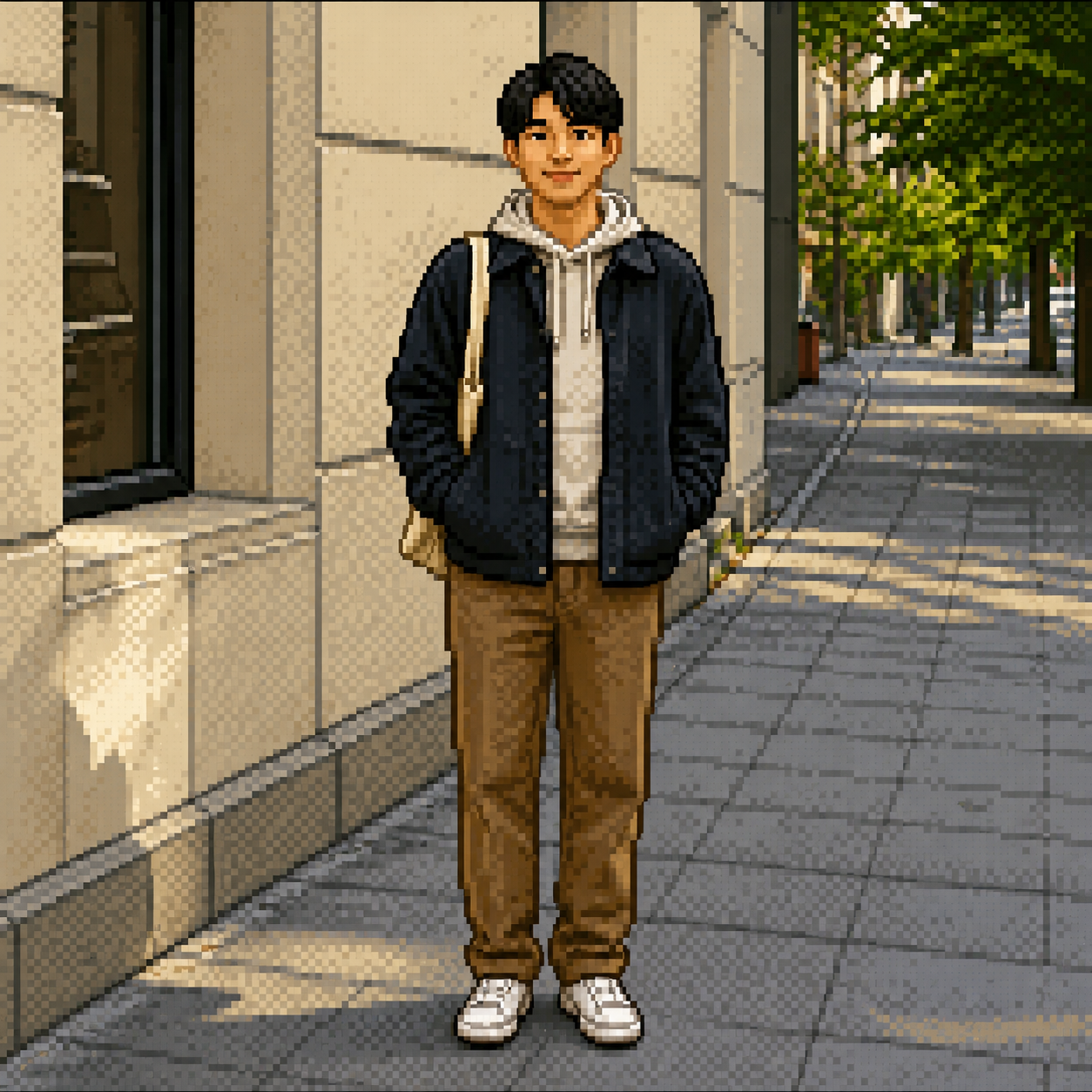
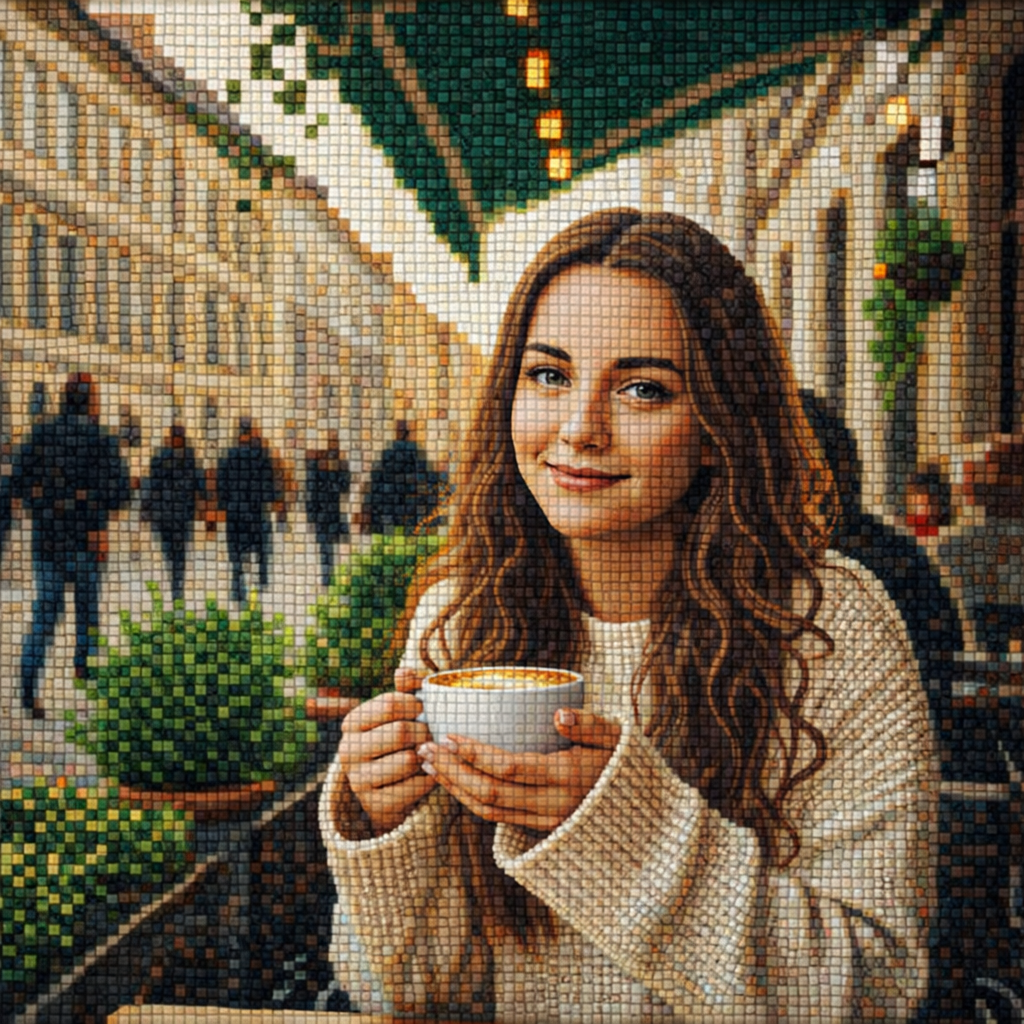
Pixel
Use any card as a style preset for the generator above, or open its detail page for examples.
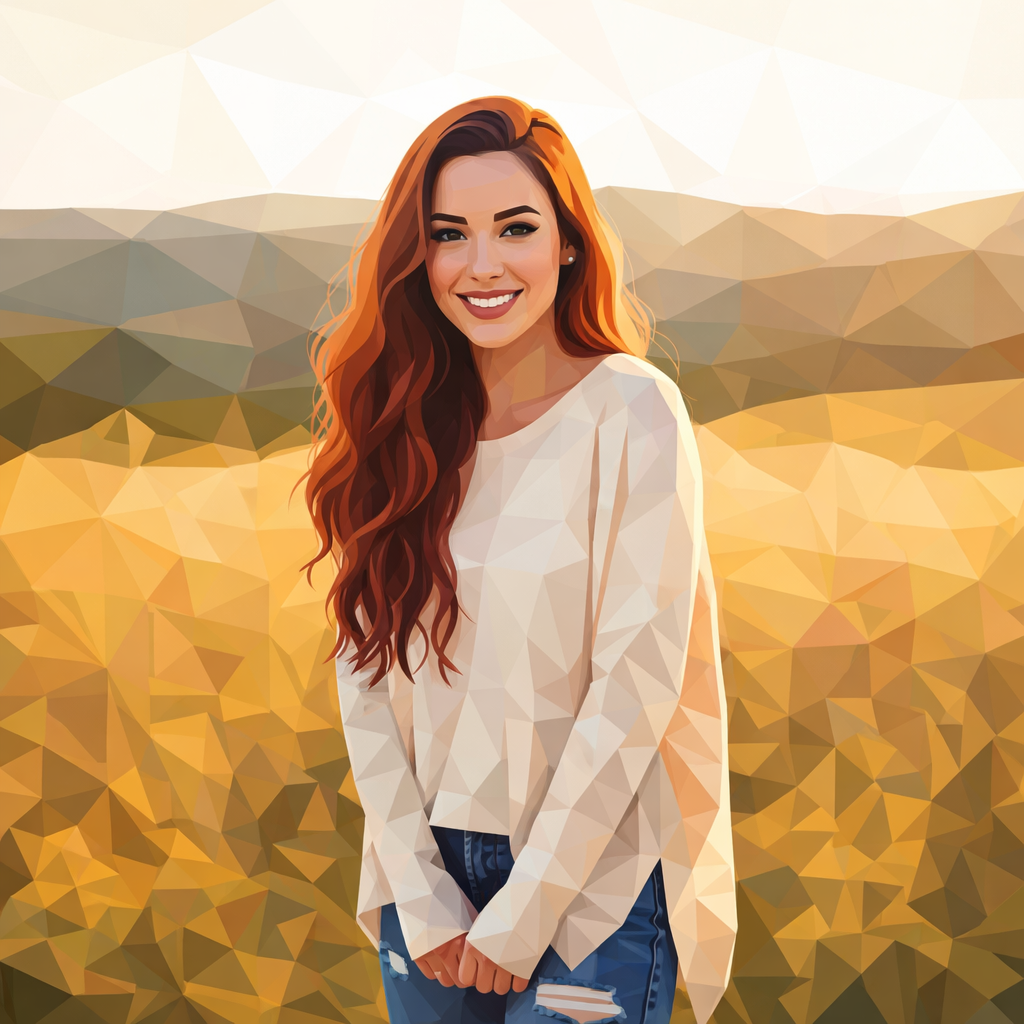
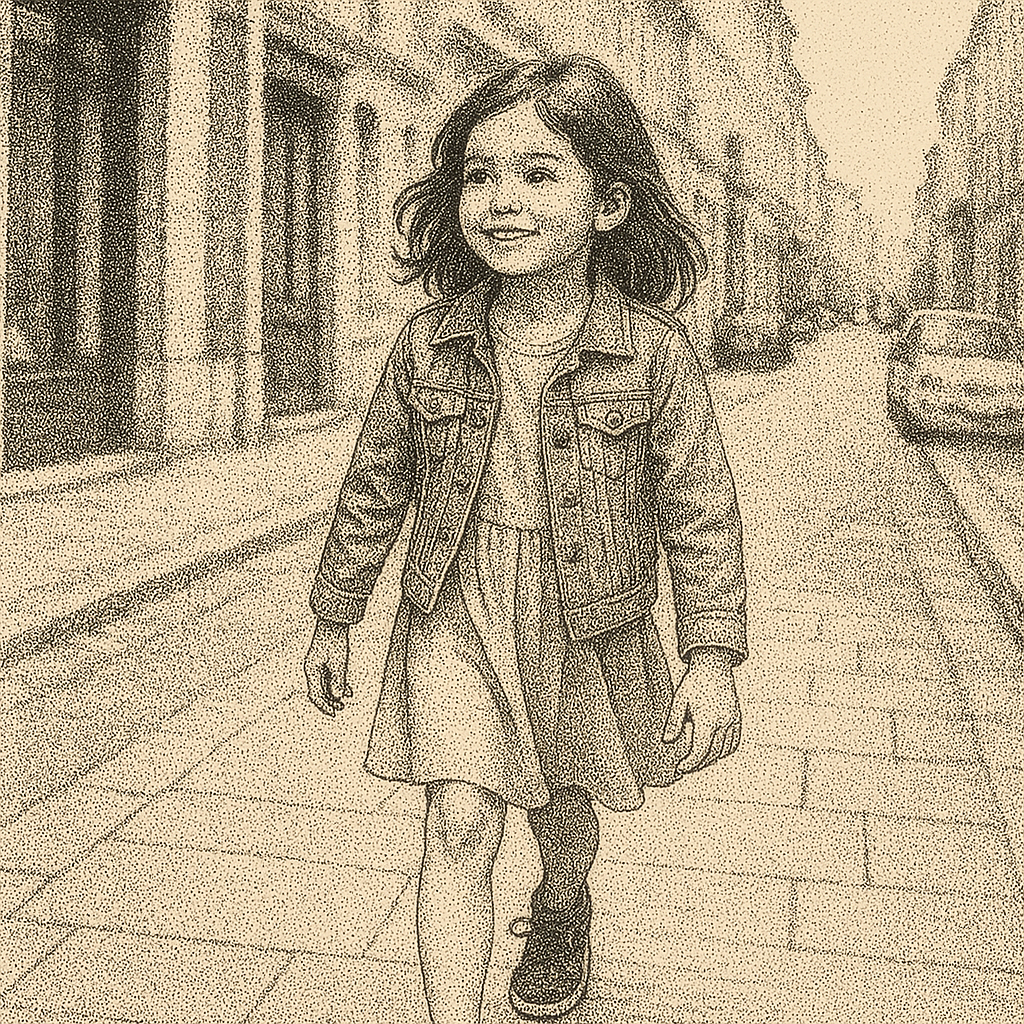
Use pointillism for dotted fine-art texture, pixel art for retro blocky output, mosaic for tiled surfaces, and low-poly for angular geometric color.
| Intent | Goal | Best Tool | Typical Output |
|---|---|---|---|
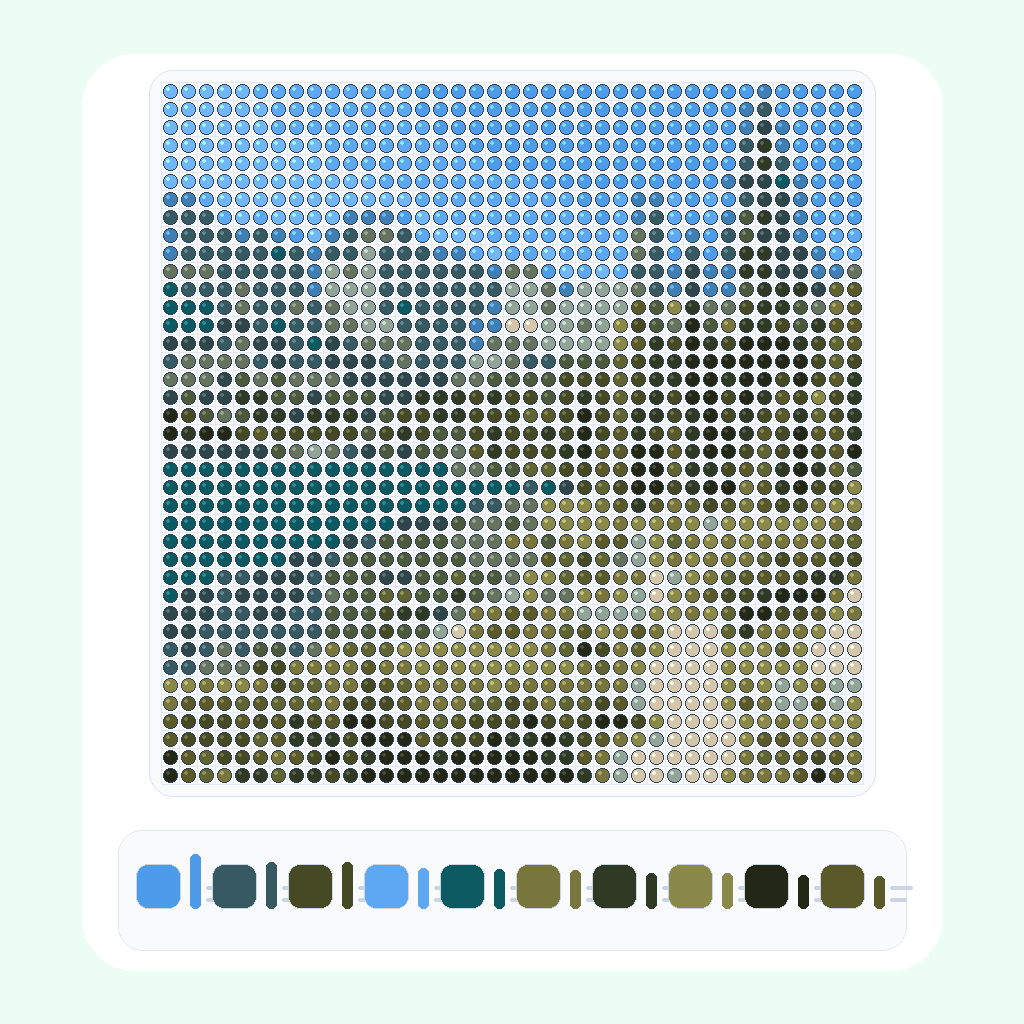
| Dots | Dotted fine-art texture | Pointillism | Image built from color dots |
| Pixels | Retro blocky style | Pixel | Pixelated image structure |
| Mosaic | Tiled art surface | Mosaic Art | Small tile-like image pieces |
| Polygon | Angular geometric look | Low Poly Art | Polygonal color blocks |
Use pointillism for dotted fine-art texture, pixel art for retro blocky output, mosaic for tiled surfaces, and low-poly for angular geometric color.
Pick dots, pixels, tiles, or polygons depending on whether you want a stippled, retro, mosaic, or geometric result.
Pixel art and low-poly styles simplify details. Pointillism and mosaic styles keep more image structure through repeated marks.
Upload the photo, test the closest style, and switch presets if you need clearer dots, larger pixel blocks, or smoother geometry.
Browse AI pixel and dot art photo tools for pointillism, pixel art, mosaic art, low-poly art, and dotted image conversions.
Pixel art uses square blocks and a retro digital look. Dot art uses circular or stippled marks to rebuild the image.
Use Pointillism when you want a dotted art result that keeps the subject recognizable through many small marks.
Yes. Use the Pixel tool when you want a blocky retro-style conversion from a source image.
Photos with clear shapes, good contrast, and a simple main subject usually work best because these styles simplify detail.
No. Low-poly art uses angular polygon shapes, while pixel art uses square pixel blocks.
Yes. After generation finishes, you can preview and download the generated image.
Upload once, choose a pixel or dot art style, and generate directly from this category Hub.
.png)
.png)